Turn short‑form video into a growth engine for your business
The AI-powered, collaborative short-form video scheduling platform for Instagram Reels, TikTok, YouTube Shorts, and Facebook Reels.
Businesses using Profaily:




Ask ChatGPT.
Profaily schedules it.
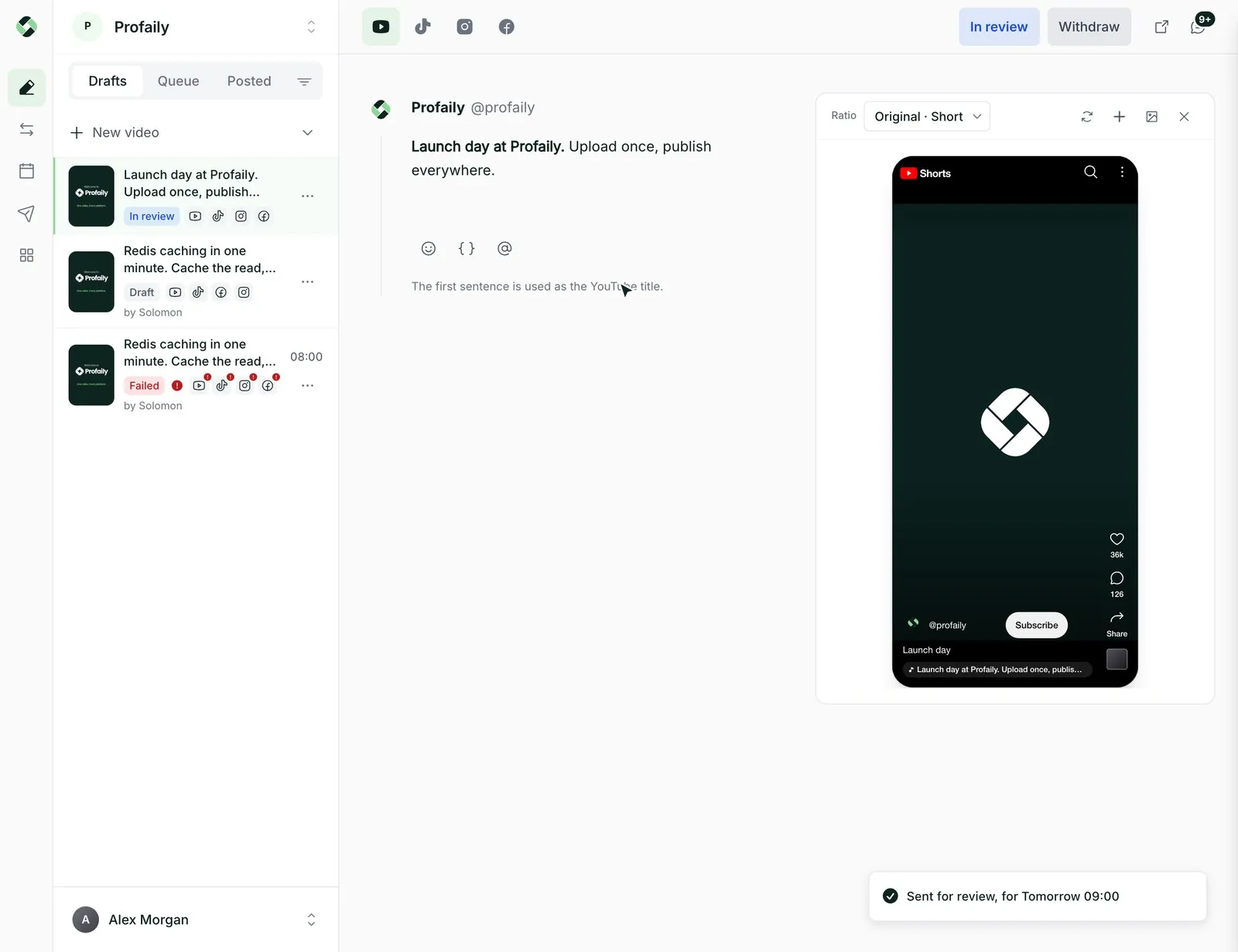
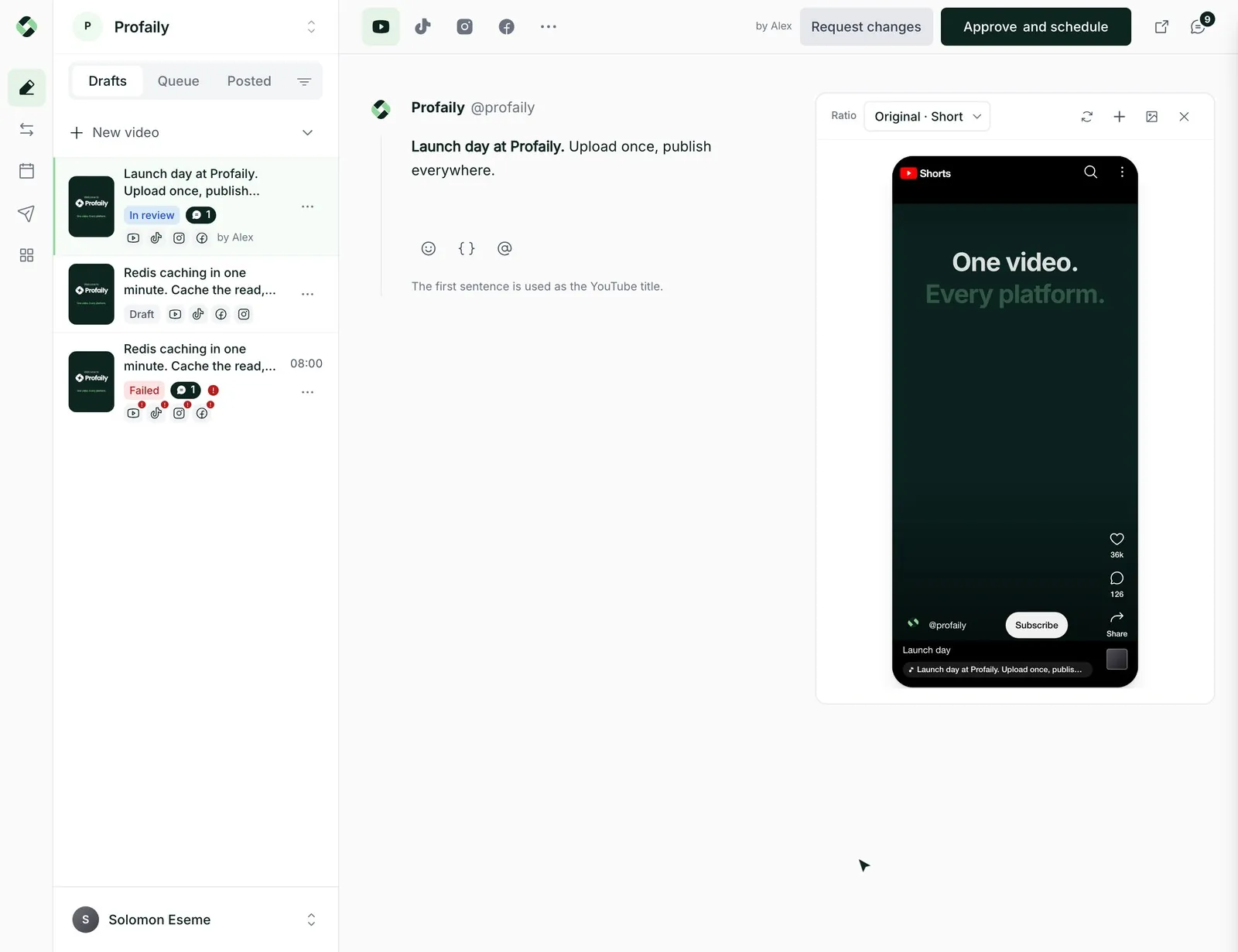
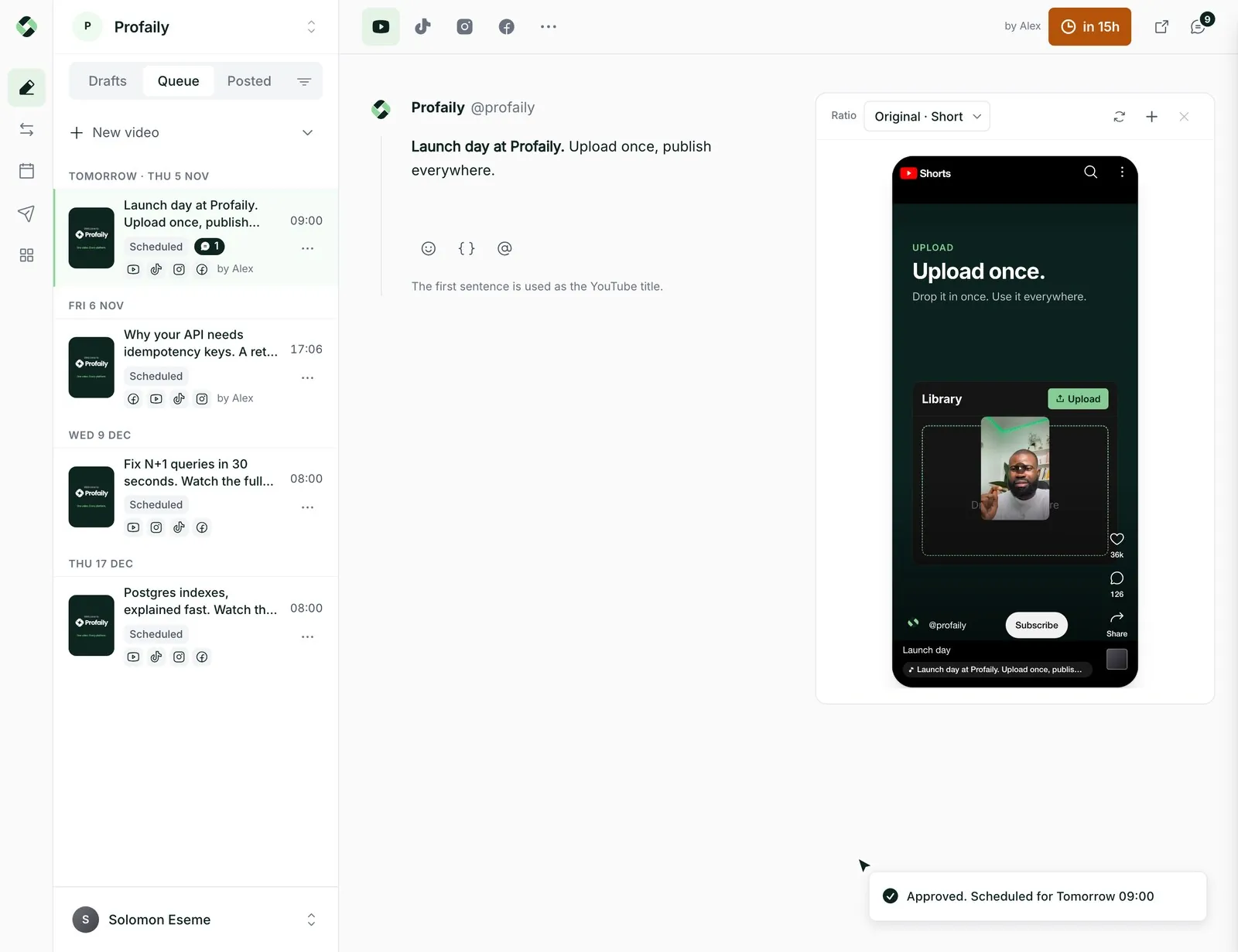
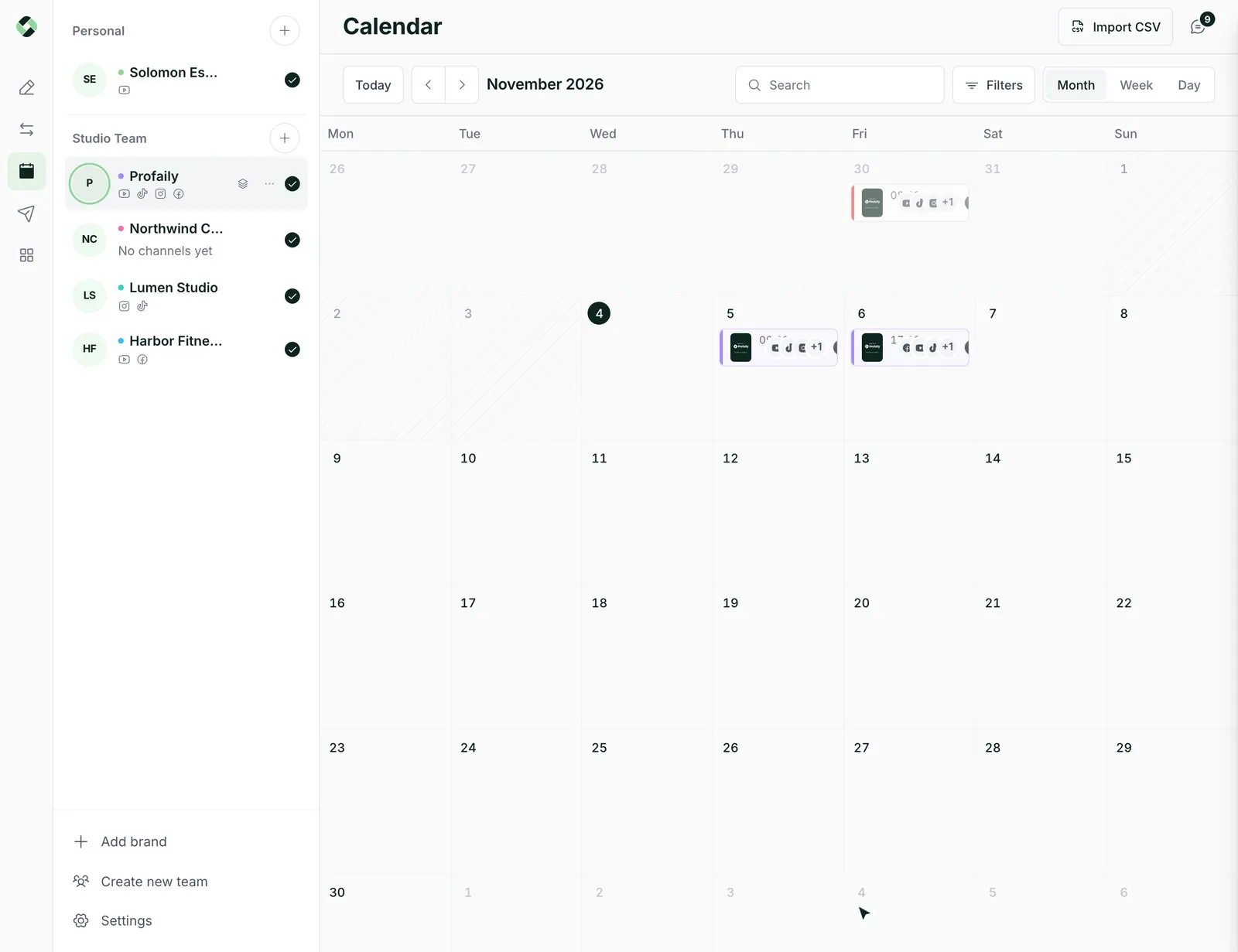
Connect ChatGPT or Claude to Profaily and ask for a video to go out. It is drafted, sent to your team for approval, and placed on the calendar, under your team’s own review rules.
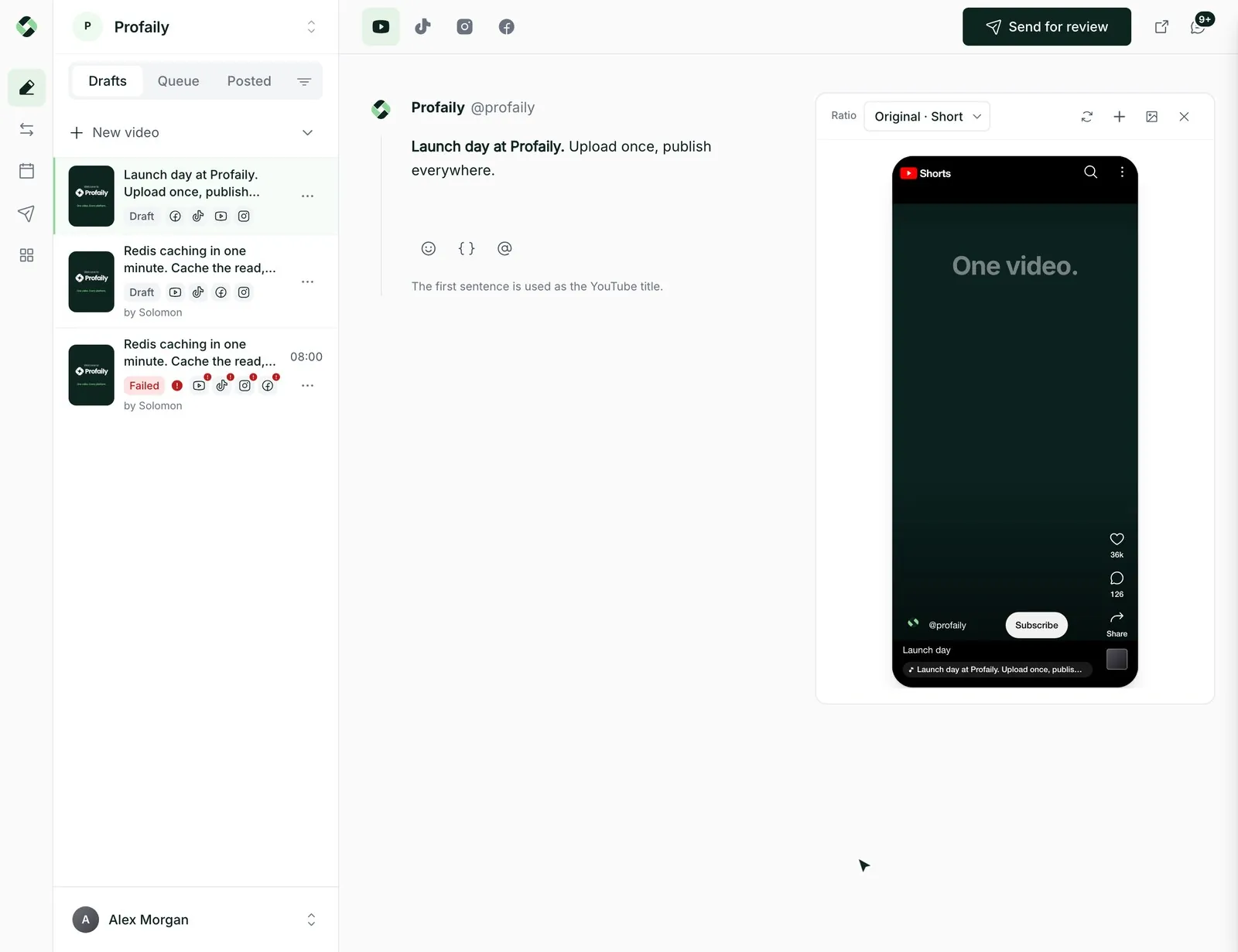
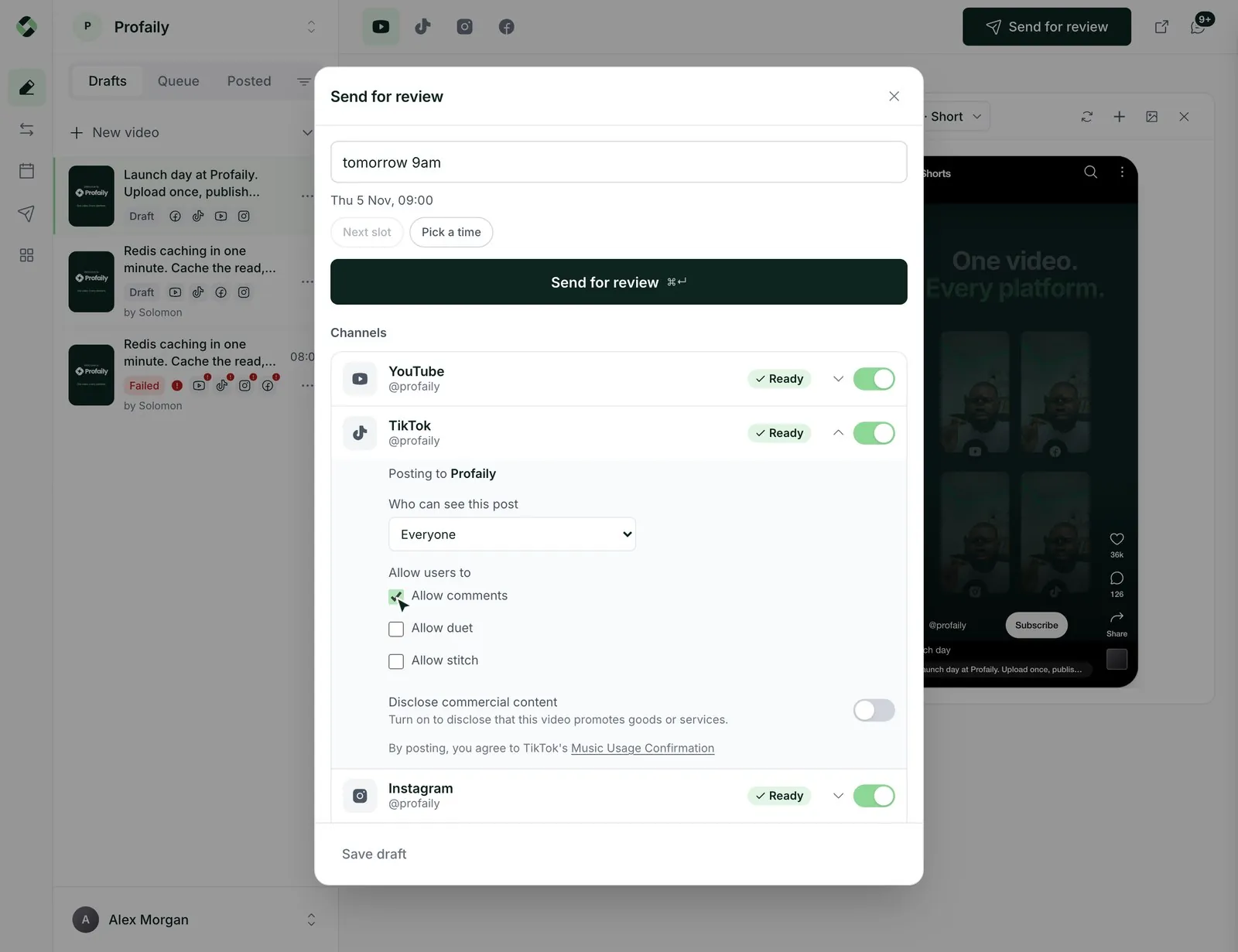
A walkthrough. In ChatGPT, someone asks for the Launch day video to go out tomorrow at 9am on every channel. ChatGPT drafts it in Profaily through the MCP server and sends it to the producer for review. The producer approves it in the Profaily dashboard, and the video appears on the calendar for tomorrow at 09:00.



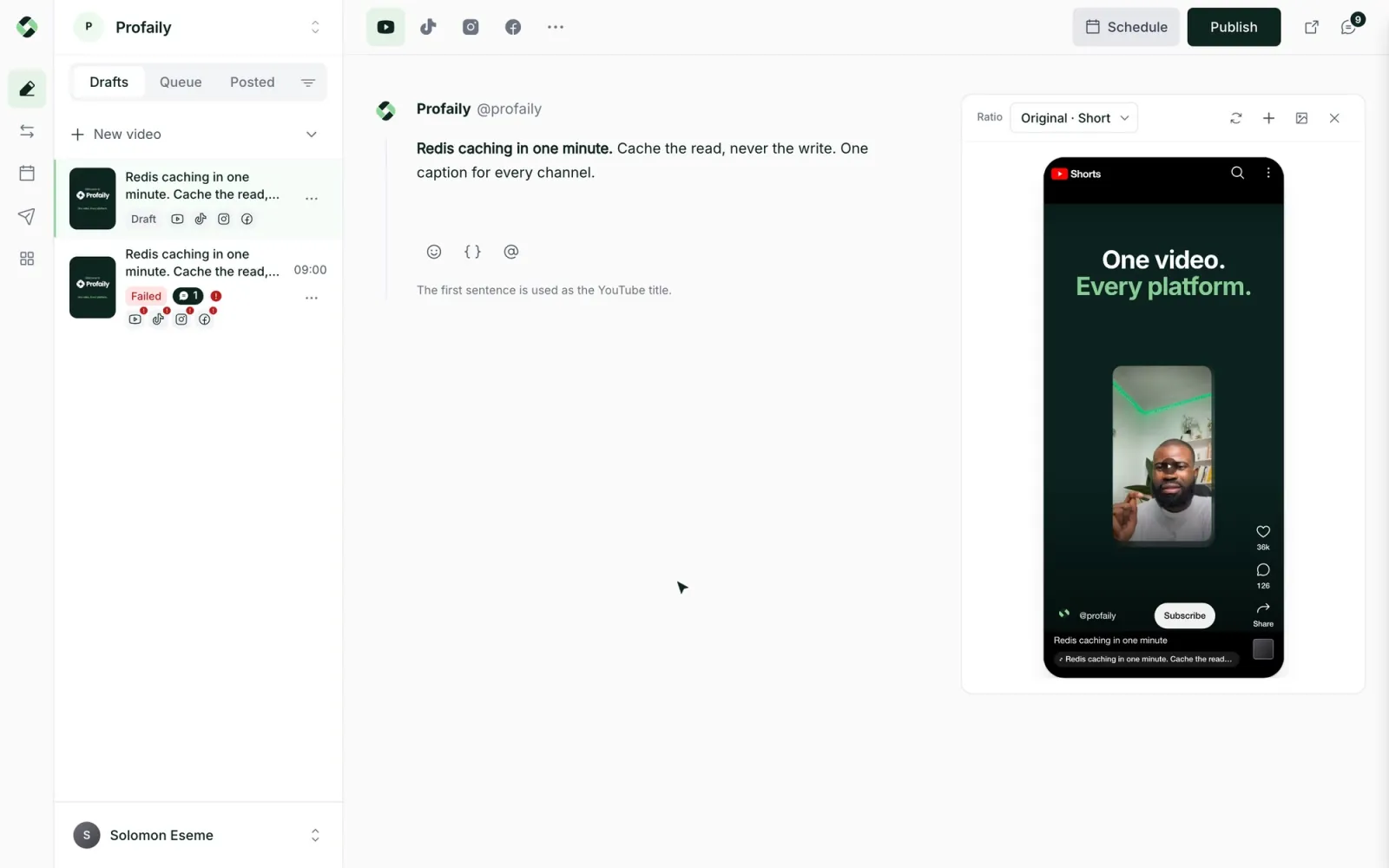
Upload once. Publish everywhere.
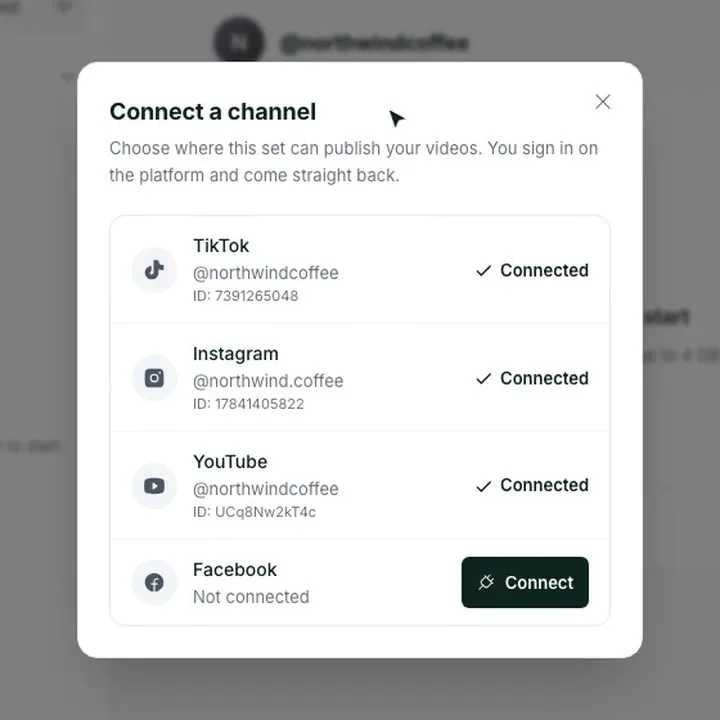
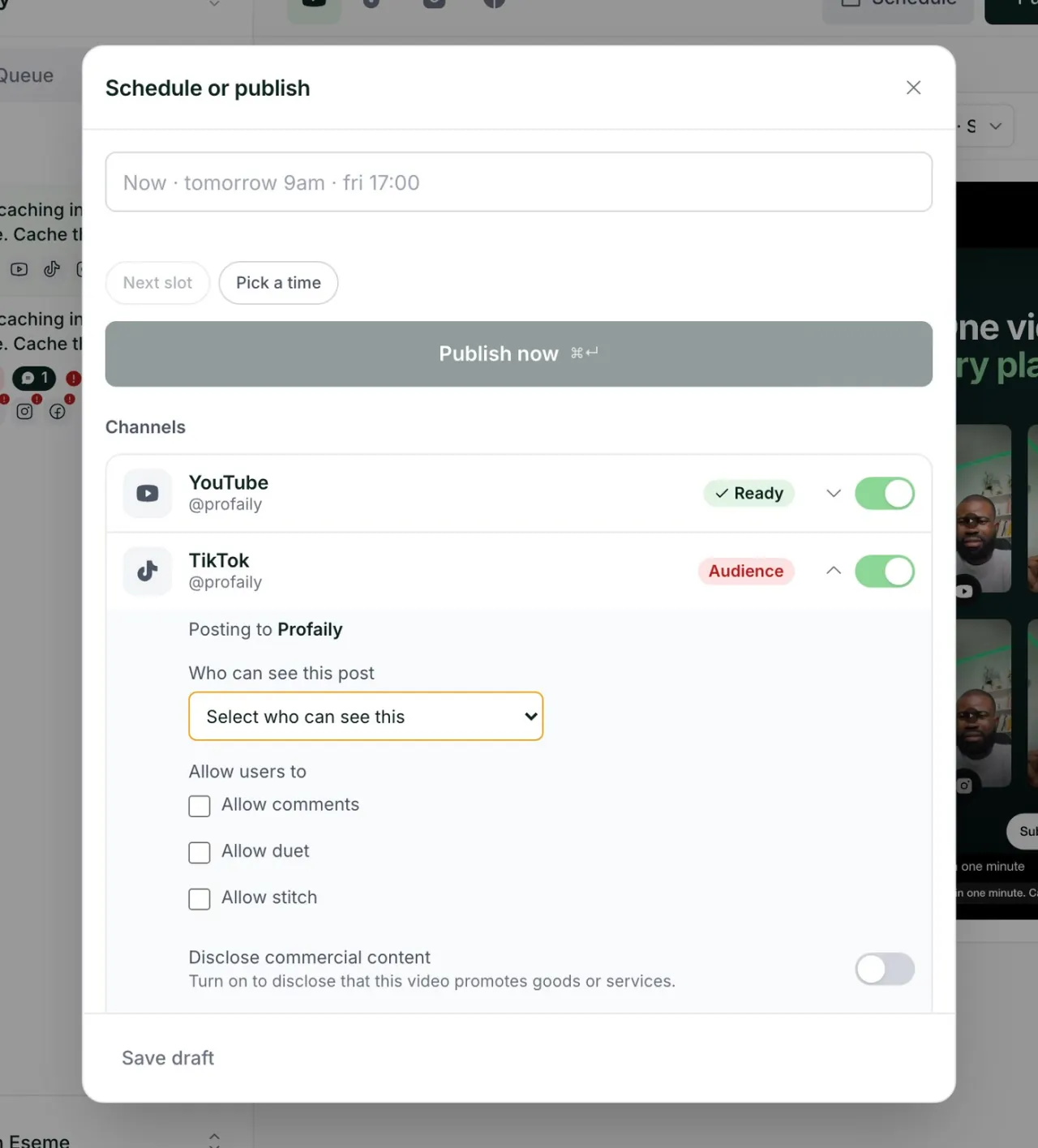
Add a video once, then schedule it to TikTok, Instagram, YouTube and Facebook in each channel’s own format.
And much more:
- Several brandsKeep each business or client apart, with its own channels, schedule and history. Switch between them in one click.
- Shareable review linksShare a draft with a link. Anyone who has it can watch the video and leave comments, even outside your team.
- Posting queueSet a weekly rhythm and videos fill the next free slot. See what is coming up, day by day.
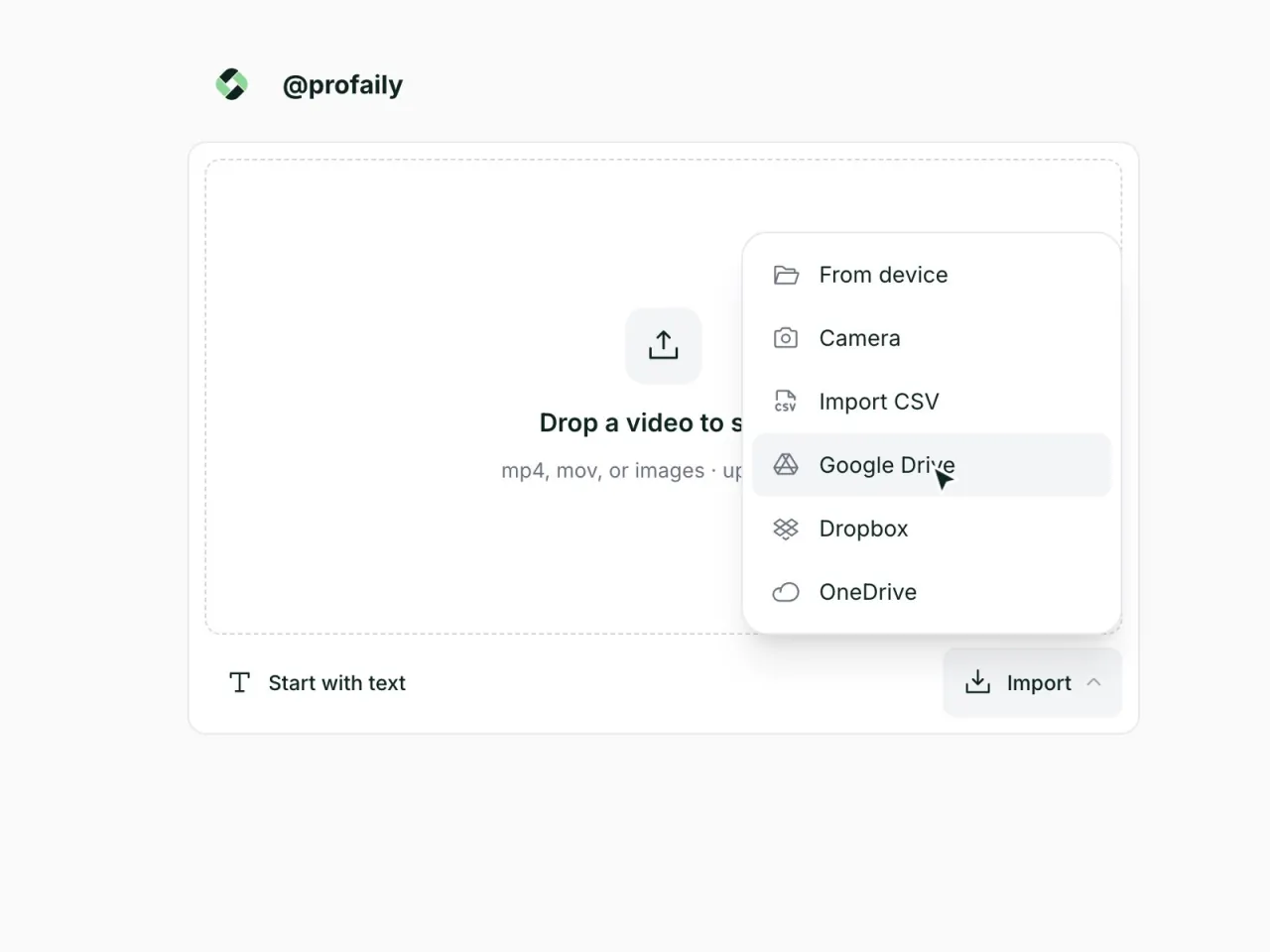
- Drive, Dropbox, OneDriveBring in videos from the cloud storage you already use. Paste a link, or import many at once from a CSV.
- Phone alertsTurn on notifications and get an alert on your phone when a video fails or a channel needs reconnecting.
- Team rolesGive each person a role, Viewer, Editor, Producer or Admin, and choose which brands they can open.
- Schedule in plain wordsType when, like “tomorrow 9am”, and Profaily turns it into a date and time for you to confirm.
- Media libraryEvery video in a brand in one place, shown by its cover. Search it, filter by status, or select several at once.
- TagsTag a video as you work. Create a tag by typing it, or manage them all in one place.
- VariablesSave text you reuse, then drop it into any caption. A variable can hold a different value for each channel.
- CarouselsAdd several images to one post and send them as a carousel, or send each image on its own.
- Auto resizeEach channel shows your video in its own format. Check every player before you publish, so nothing goes out cropped.
- Auto video conversionUpload a video in the format you have. Profaily converts it to what each channel accepts.
- Installable phone appAdd Profaily to the home screen of an iPhone or Android phone and open it like any other app.
- Desktop appInstall Profaily from Chrome or Edge and it opens in its own window, with no browser bar.
- EmojisAdd emojis from the composer without leaving the caption.
- Dark modeChoose light, dark, or match your device.
- Keyboard shortcutsPress N for a new video, 1 to 3 to switch tabs, and ⌘ Enter to publish. Press ? to see them all.
Making videos
Bring videos in once, write one caption, and check how each channel will show it.
Distributing videos
Connect your channels, schedule across brands, and get videos approved before they go out.