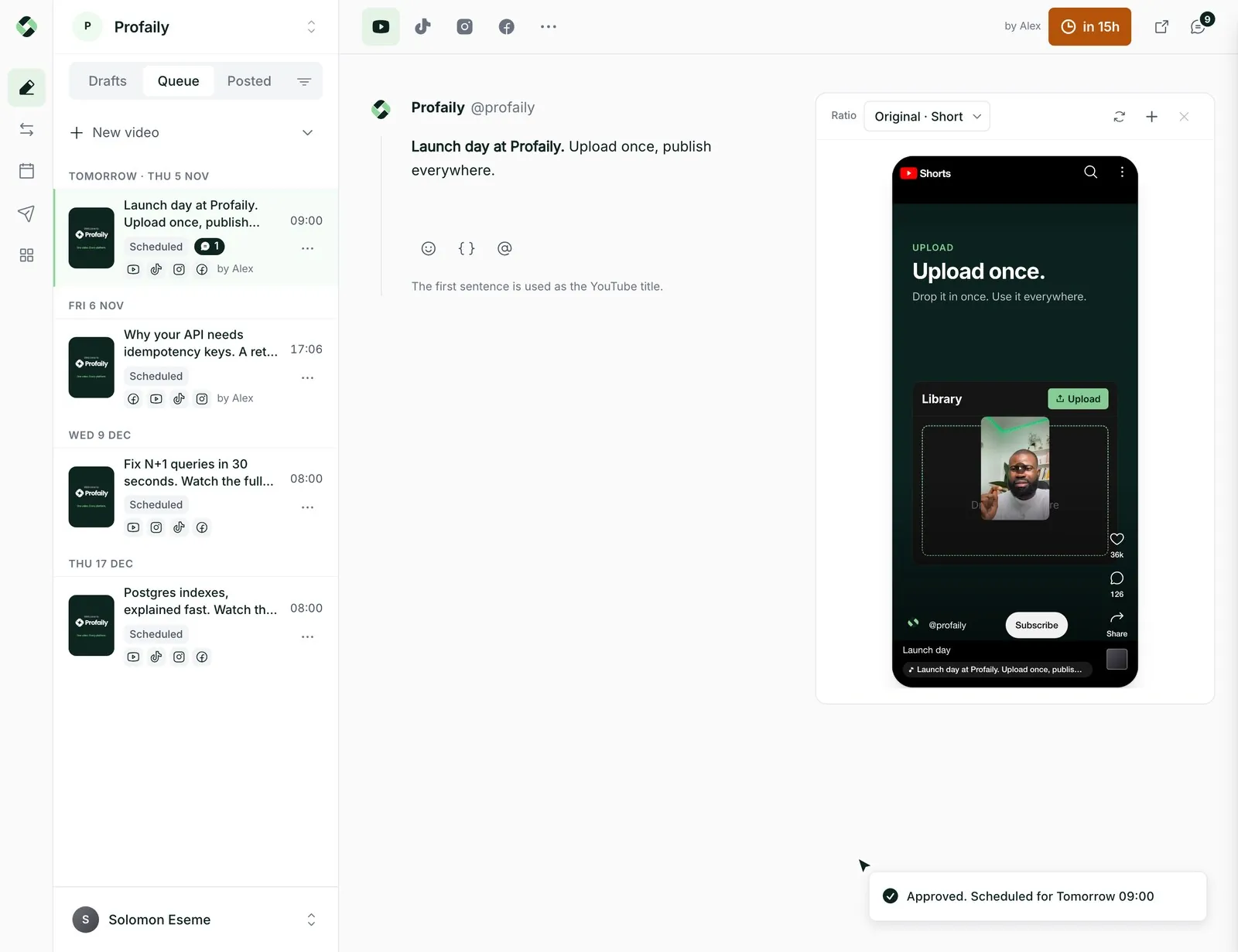
Nothing goes out unapproved
Editors send a video for review. A producer comments, asks for changes or approves. Only then is it scheduled.
 LoginSign up
Keep video distribution on track across your team
Everyone sees the same calendar. Editors prepare videos, a producer says yes, and Profaily posts them to every channel on schedule.
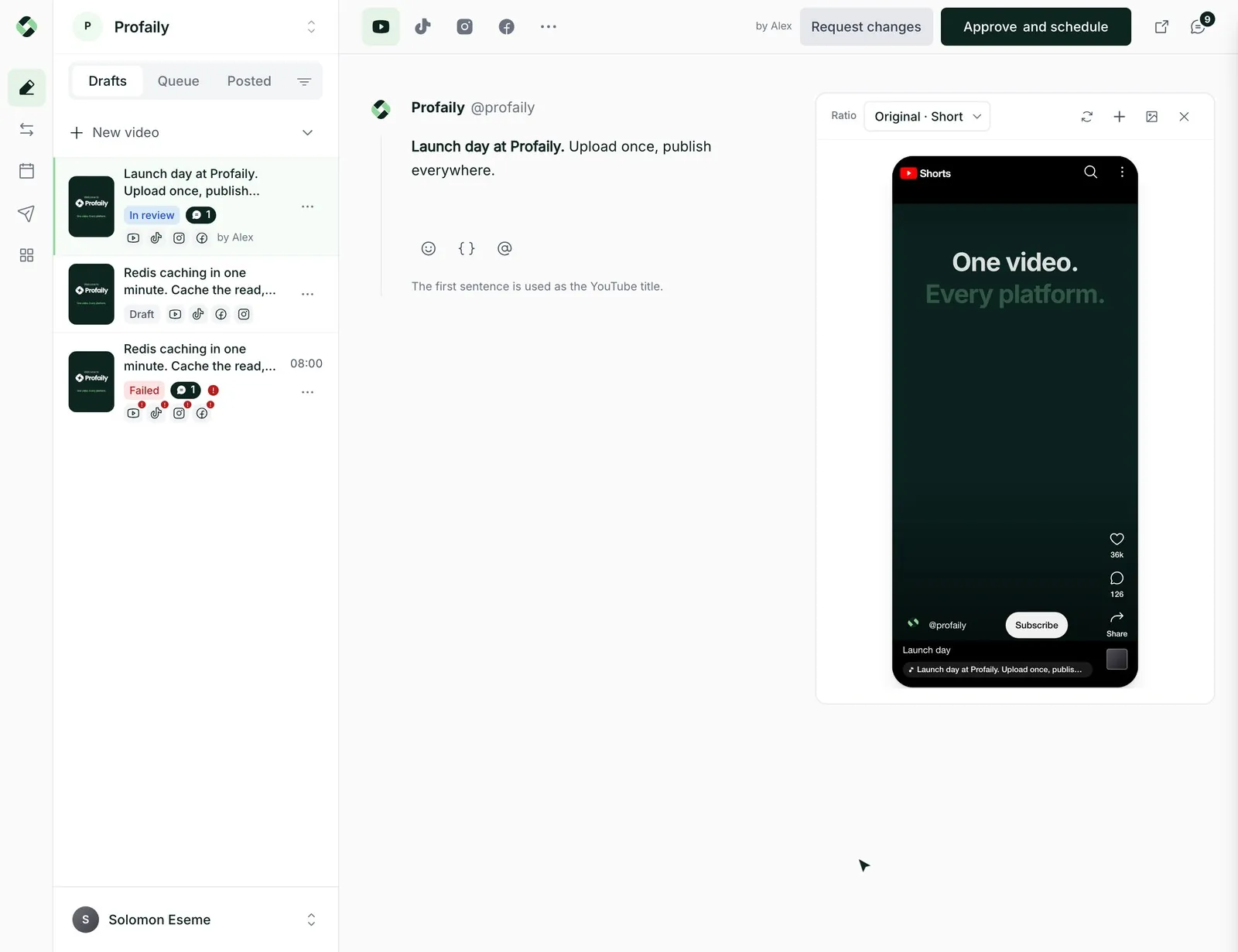
Editors send a video for review. A producer comments, asks for changes or approves. Only then is it scheduled.
Admins, producers, editors and viewers each see and do what their role allows.
Give each brand its own channels, schedule and history, and choose which brands each person sees.
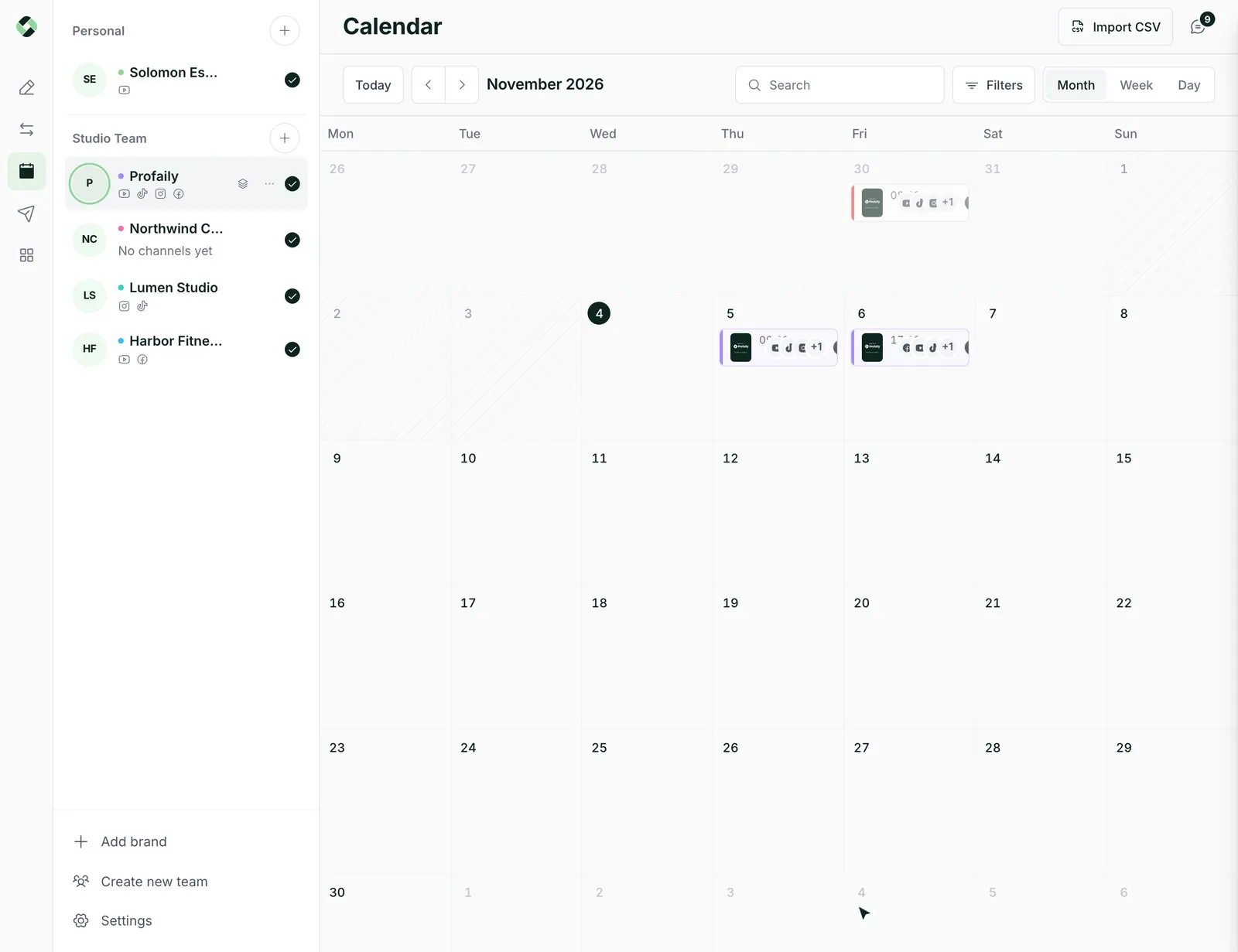
See what is scheduled, in review and posted across every brand and channel.
Review happens on the video itself, with comments and changes kept in one thread, so nobody hunts through chat for the latest cut.
Posting slots keep the week full. Drag a video to a new day, or ask for a time in plain words.
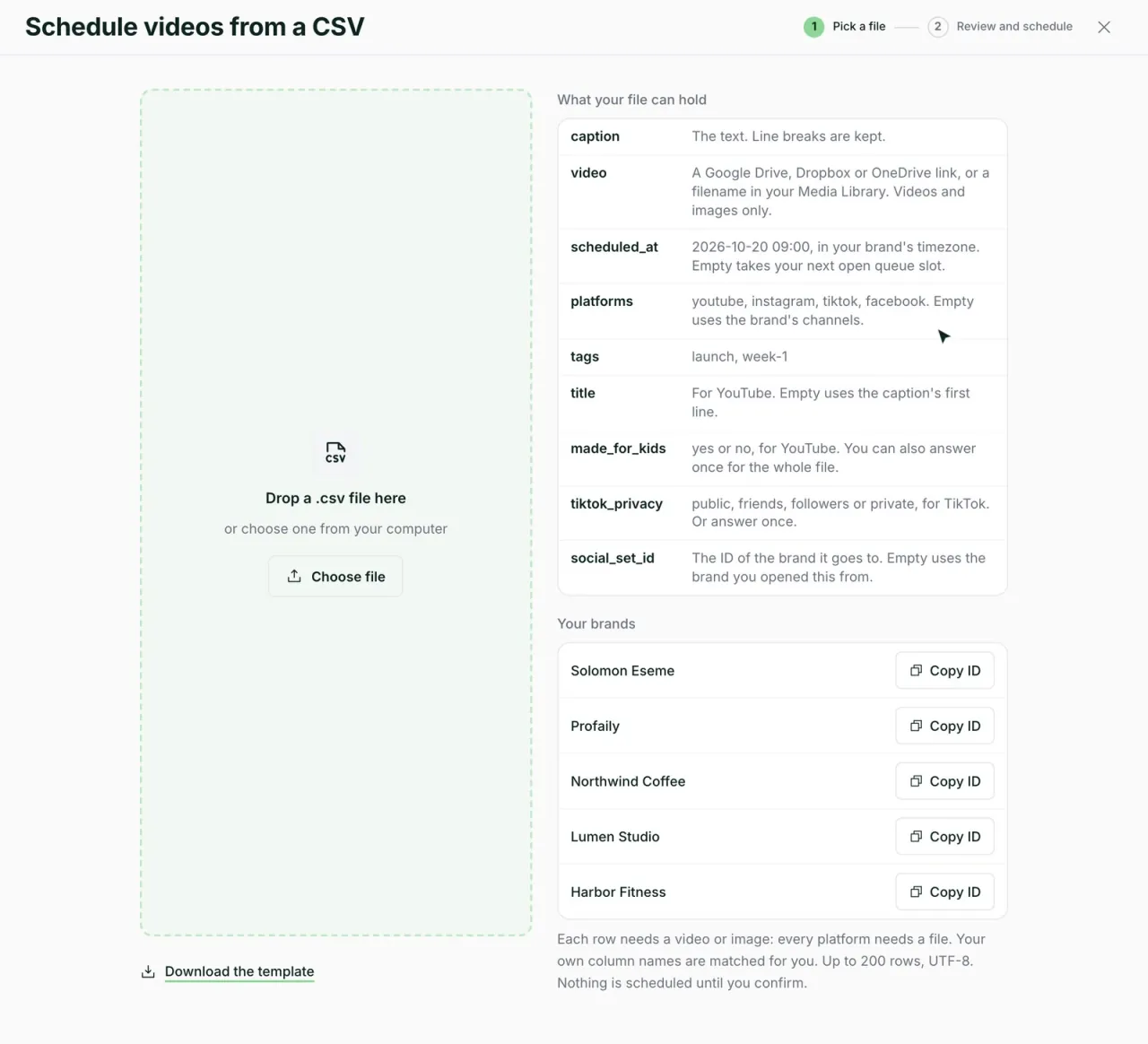
Upload a spreadsheet or paste Drive, Dropbox and OneDrive links. Check what is flagged, then schedule the batch.
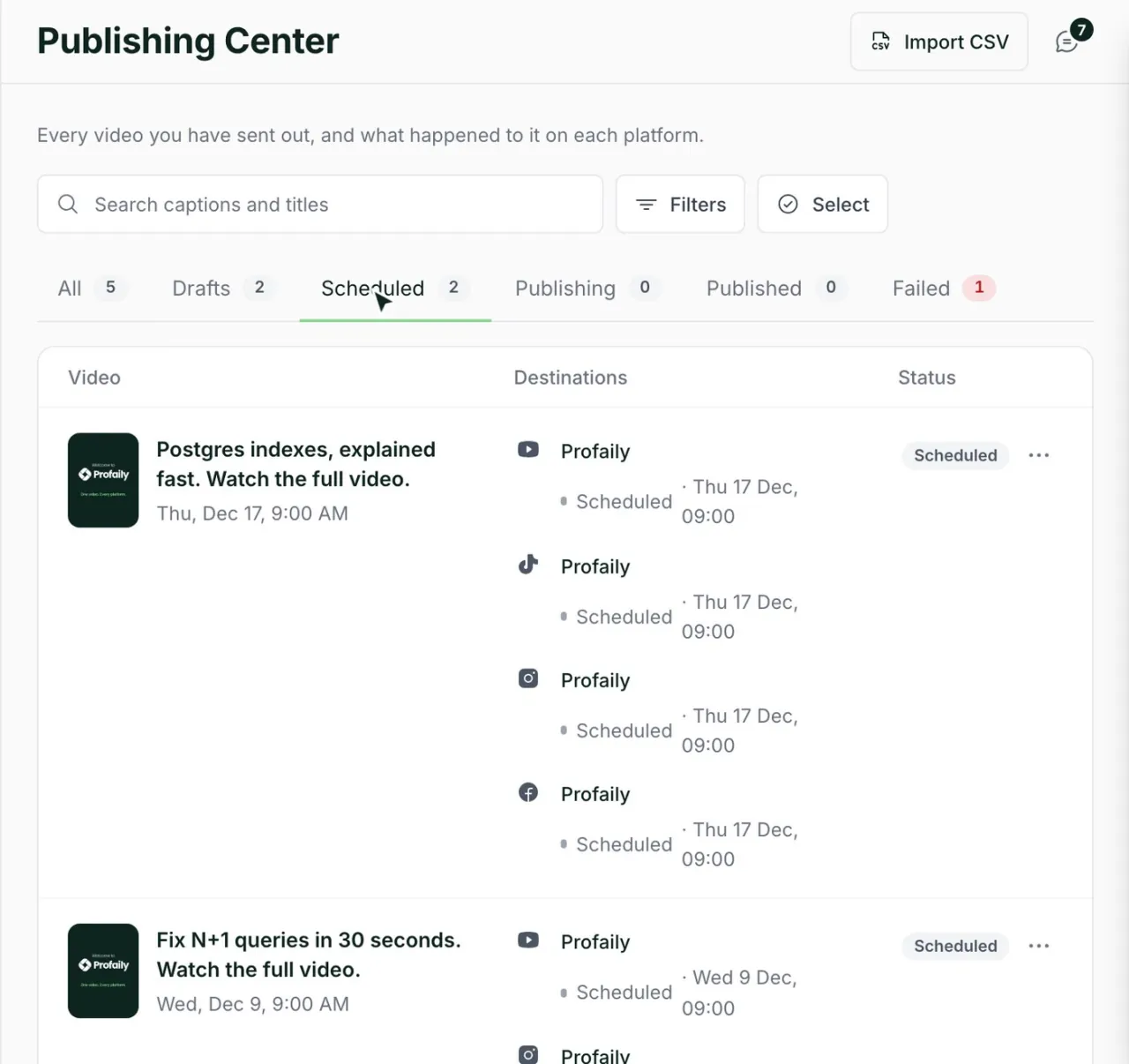
The Publishing Center shows each video’s status on each channel, with a link to the live post and a retry where something failed.
Something else? Email support@useprofaily.com.
Three brands, twelve connected channels, five team members, roles and approvals before distributing. It starts with a 14-day free trial.
Producers and admins. Editors prepare videos and send them for review, and nothing is scheduled until a producer approves.
Yes. Each brand has its own channels, schedule and history, and you choose which brands each team member can see.
No. Connect the ones you use: TikTok, Instagram, YouTube and Facebook.
Yes. Connect Claude or ChatGPT to Profaily and ask it to draft, send for review and schedule. Your approval rules still apply.
Discover  Profaily
Try Business free for 14 days. Connect your channels and invite your team before you pay.