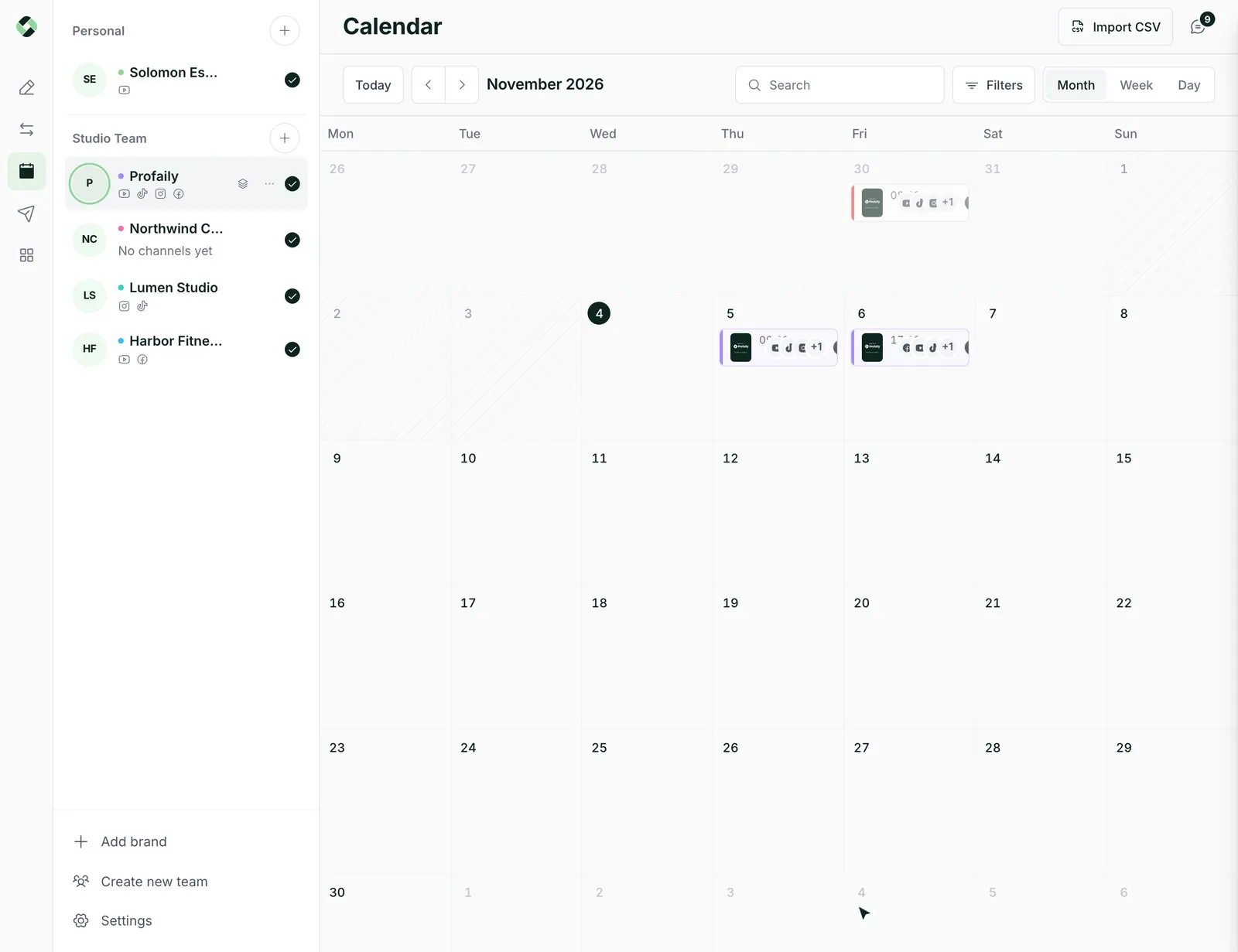
The real workflow, not a lookalike
Over 25 tools cover drafts, uploads, review, approval, scheduling, campaigns and status, on the same services the app runs on.
 LoginSign up
The publishing layer for whatever you’re building
Profaily’s MCP server gives your agent, script or tool the same publishing workflow the app uses: drafts, review, scheduling and status.
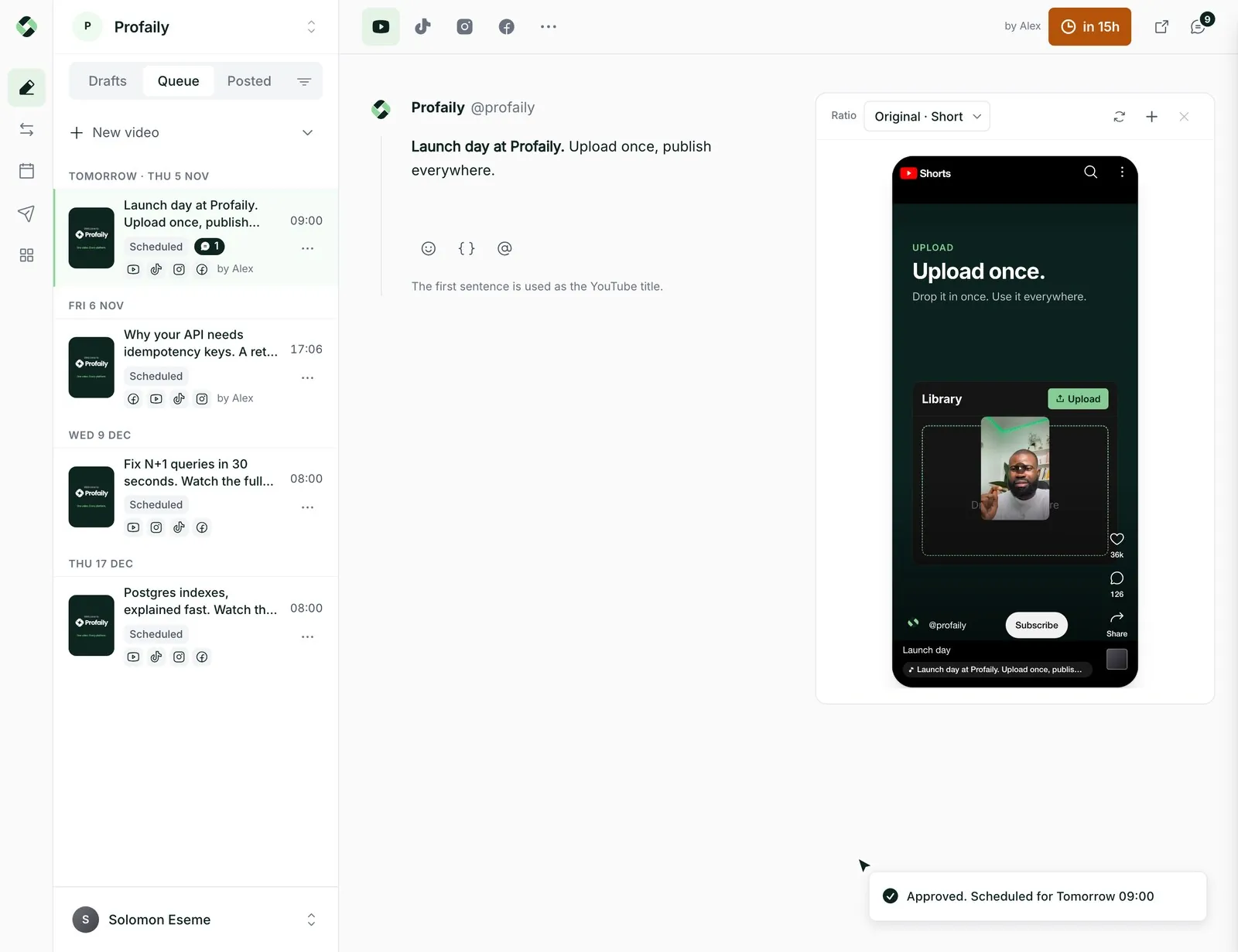
Over 25 tools cover drafts, uploads, review, approval, scheduling, campaigns and status, on the same services the app runs on.
Users connect with OAuth. Scopes separate reading, writing and publishing, and a producer’s approval rules still apply.
Writes take an idempotency key. Scheduling shows a preview first and only commits when you confirm.
Inputs and outputs are schemas, errors say what to do next, and video bytes never travel through a tool call.
A client discovers the server through its OAuth metadata, the user signs in to Profaily, and the client receives only the scopes it asked for.
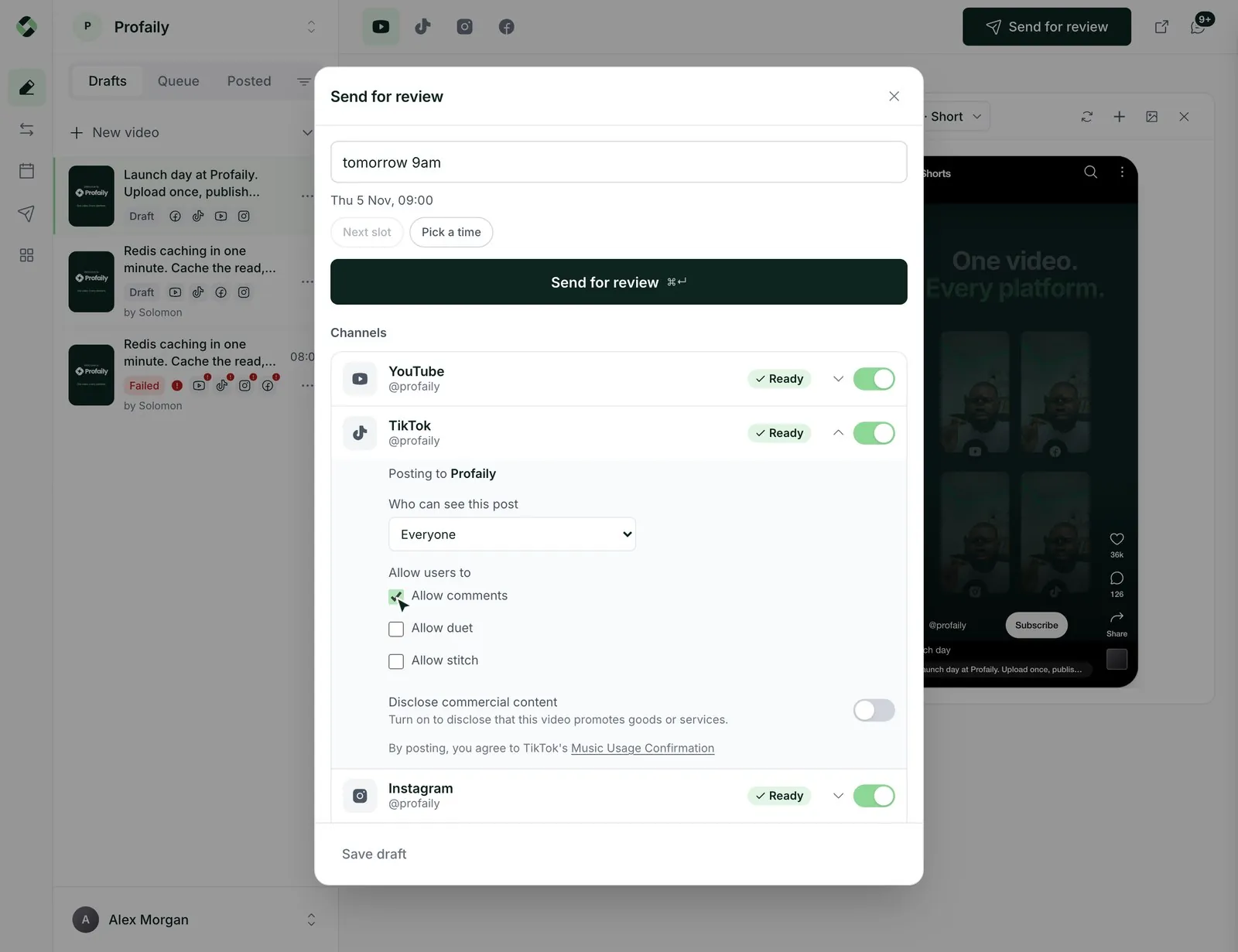
Scheduling tools take a confirm flag. Call with confirm: false to get exactly what would go out and when, show it to a person, then call again with confirm: true.
// 1. what would happen?
schedule_post({
  post_id: "7d1c…",
  version: "2026-10-29T21:50:12Z",
  scheduled_at: "2026-10-30T09:00:00+01:00",
  confirm: false,
  idempotency_key: "plan-7d1c-1"
})
// → { confirmed: false, scheduled_for: "…09:00", valid: true }

// 2. do it
schedule_post({ …same, confirm: true,
idempotency_key: "plan-7d1c-2" })An editor’s agent sends a video for review. A producer’s agent, or the producer in the app, approves it. The rules your team set do not change because the caller is code.
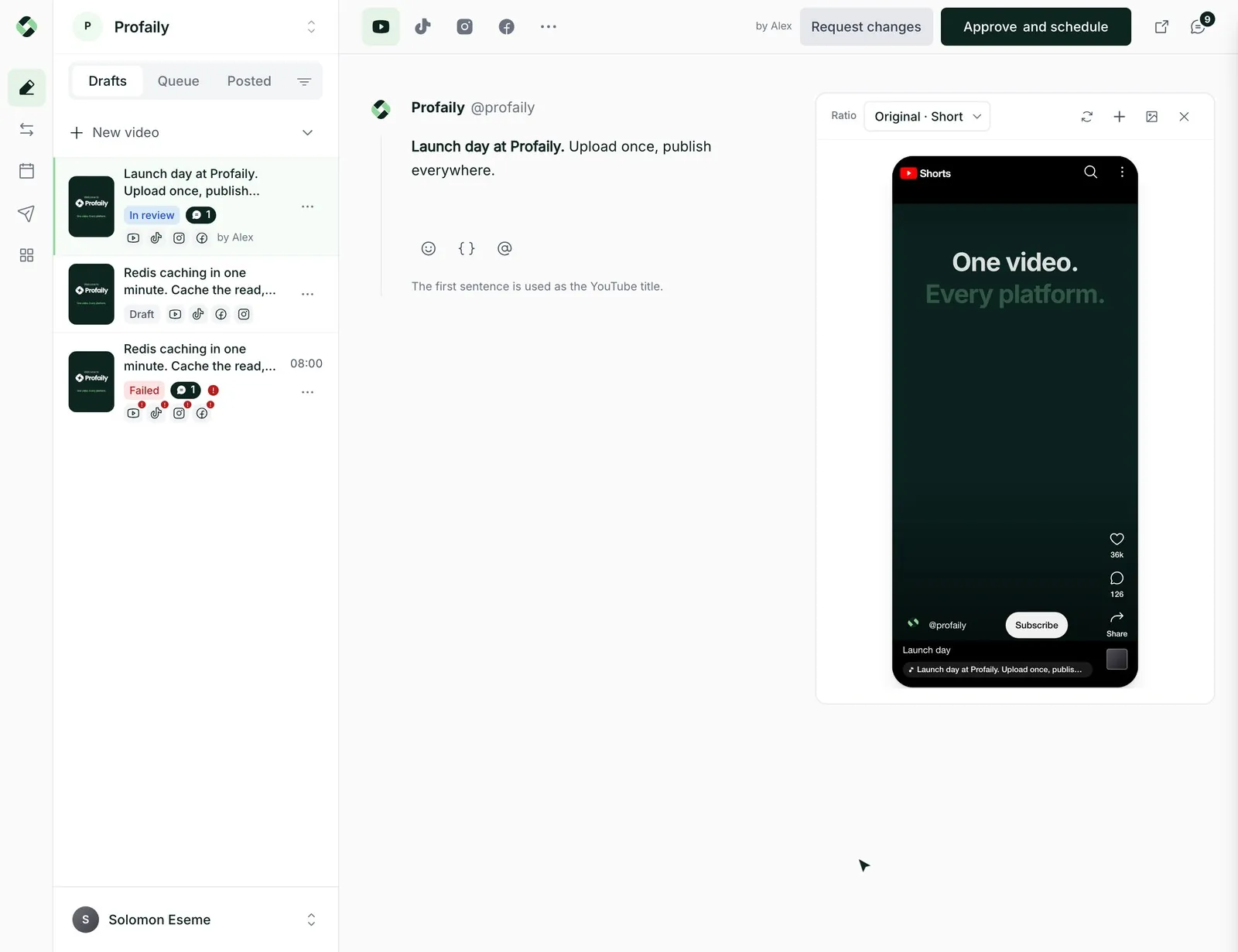
Ask for an upload session, send the file to the short-lived signed URL, then register it. Or point Profaily at a link and let it fetch.
Something else? Email support@useprofaily.com.
Not yet. The MCP server is the integration surface today. If you need a REST endpoint, tell us what you are building.
Any MCP client that supports OAuth, including Claude and ChatGPT.
Yes. Each plan includes a monthly allowance of AI app calls, and tools are limited per minute to protect your channels and ours.
It can on accounts where it holds publish permission. On teams that use approvals, it can only send for review, and a producer approves.
Business starts with a 14-day free trial, and every plan includes AI app calls.
Discover  Profaily
Connect Claude or ChatGPT in a minute and see the tools for yourself.