Schedule videos to your Facebook Page

Prepare Reels and videos for your Page, preview them, and schedule with the rest of your channels. Get a yes from your team before anything goes out.

Profaily composer showing a video and its caption in a Facebook Reels preview

How Profaily works for Facebook

Preview

See the post the way Facebook shows it

Upload the video and write the title and description. Profaily shows it in a Facebook preview before anything is scheduled.

  • A Facebook title and description of their own
  • Import from Google Drive, Dropbox, OneDrive or a CSV
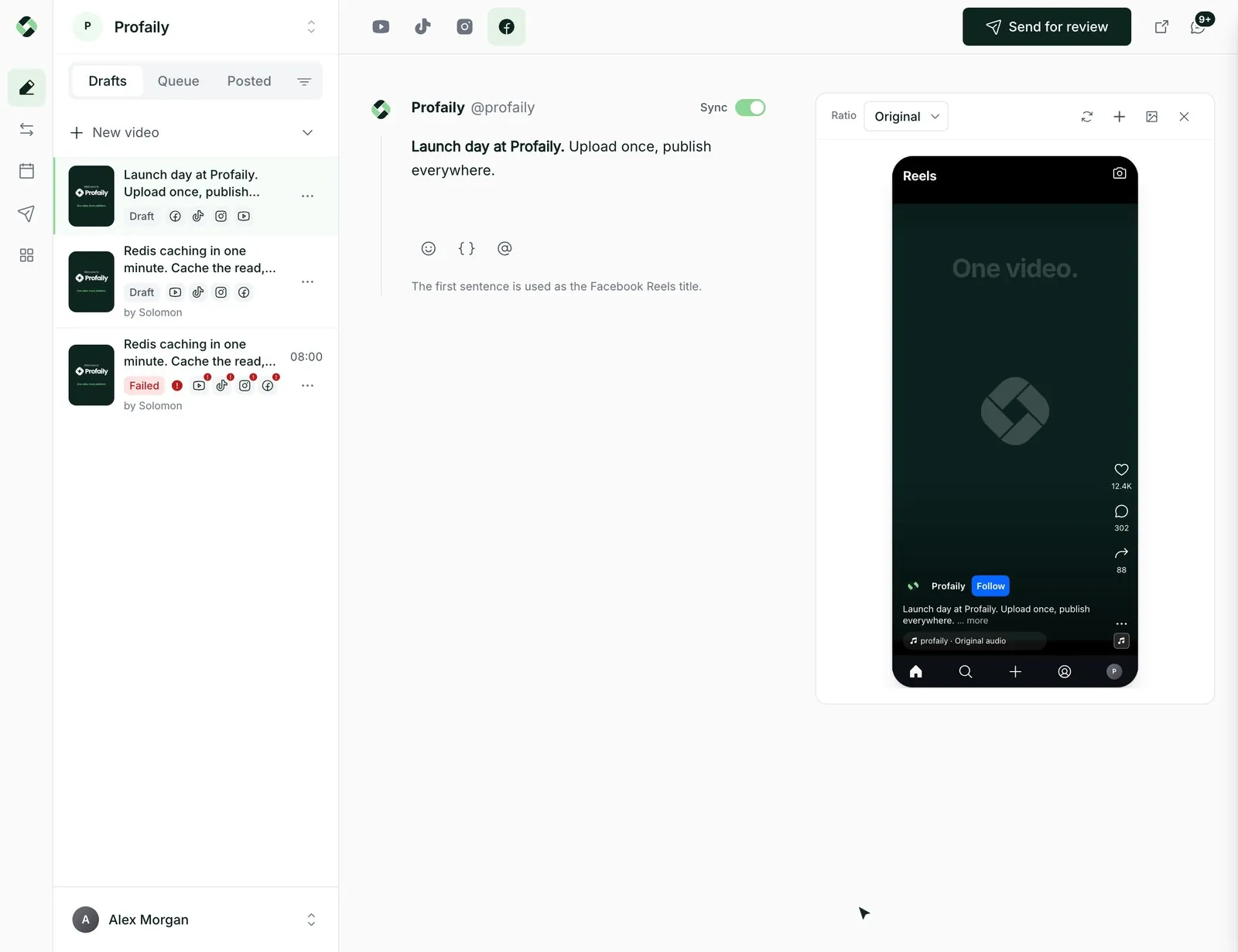
Profaily composer showing a video and its caption in a Facebook Reels preview

Schedule

Pick the Page and the time

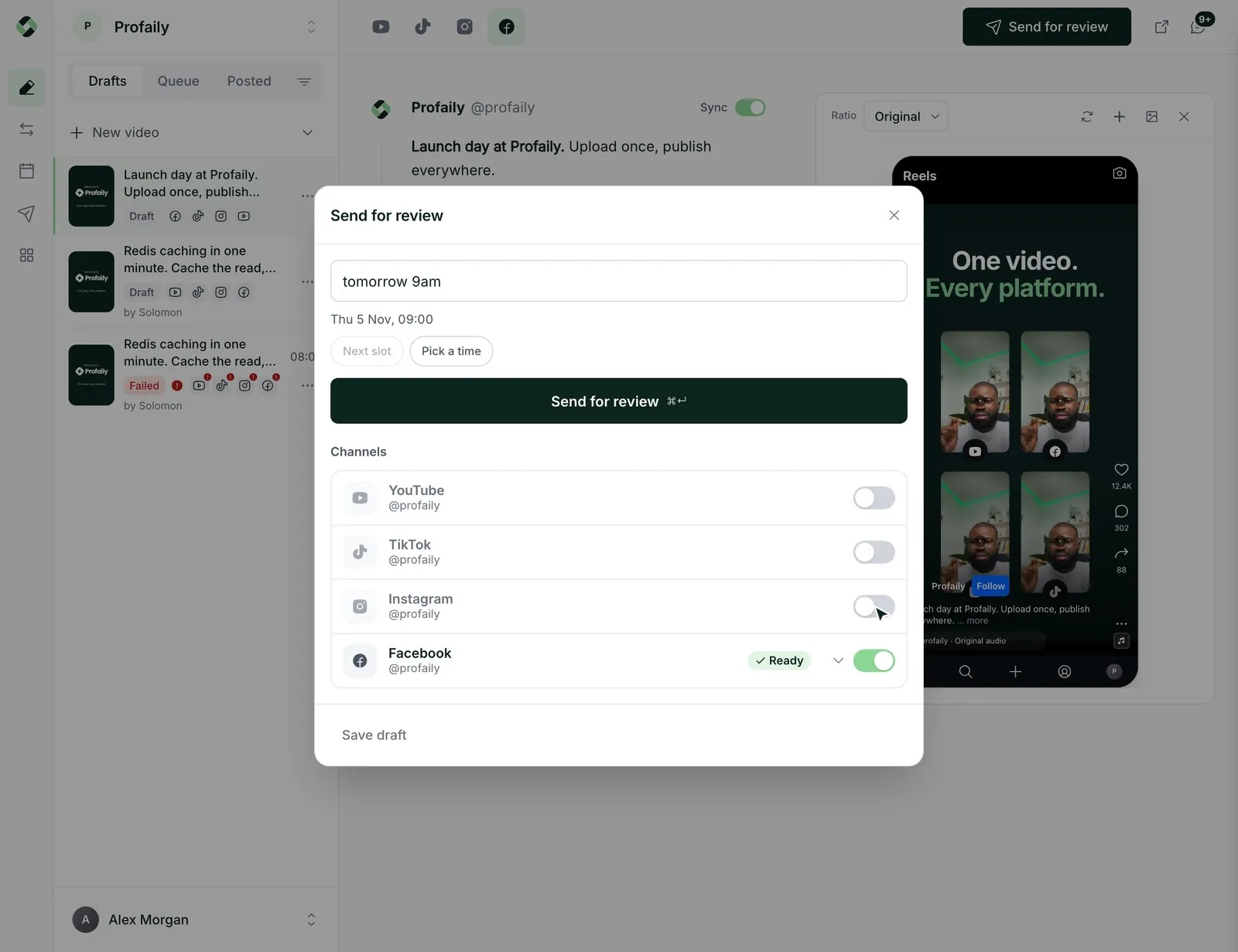
Choose the Facebook Page, set the format, and pick a time or the next open slot.

  • Videos publish as a Reel where Facebook allows it
  • Profaily checks the post against your Page permissions first
Profaily scheduling dialog with only Facebook switched on and marked Ready
Approve

Get a yes before it goes live

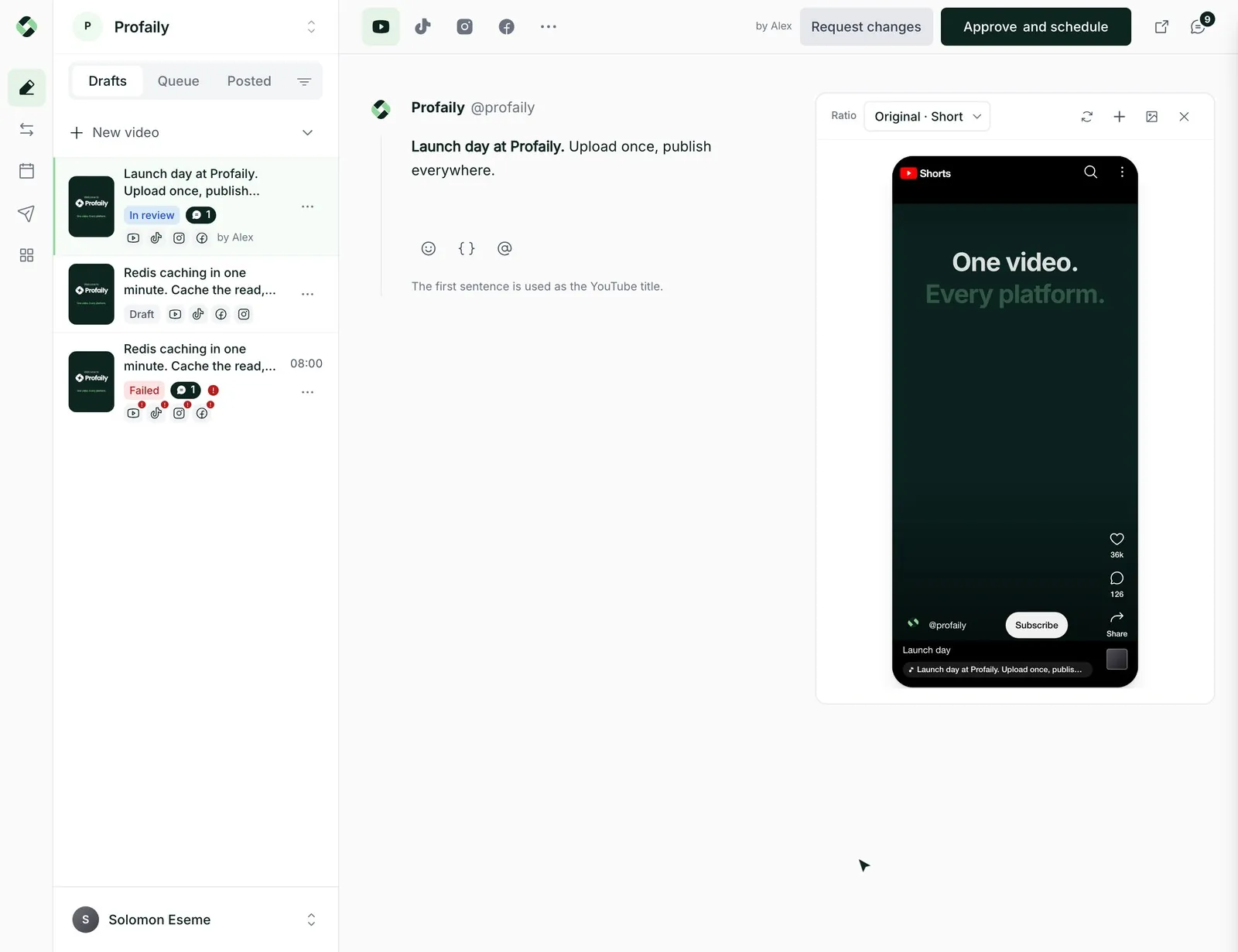
Send the video to a producer for review. They can comment, ask for changes or approve it, and nothing is scheduled until they do.

  • Comments and changes stay on the video
  • Share a review link with a client
Profaily as the producer: the Launch day video in review with Request changes and Approve and schedule
Track

Follow every Page post on one calendar

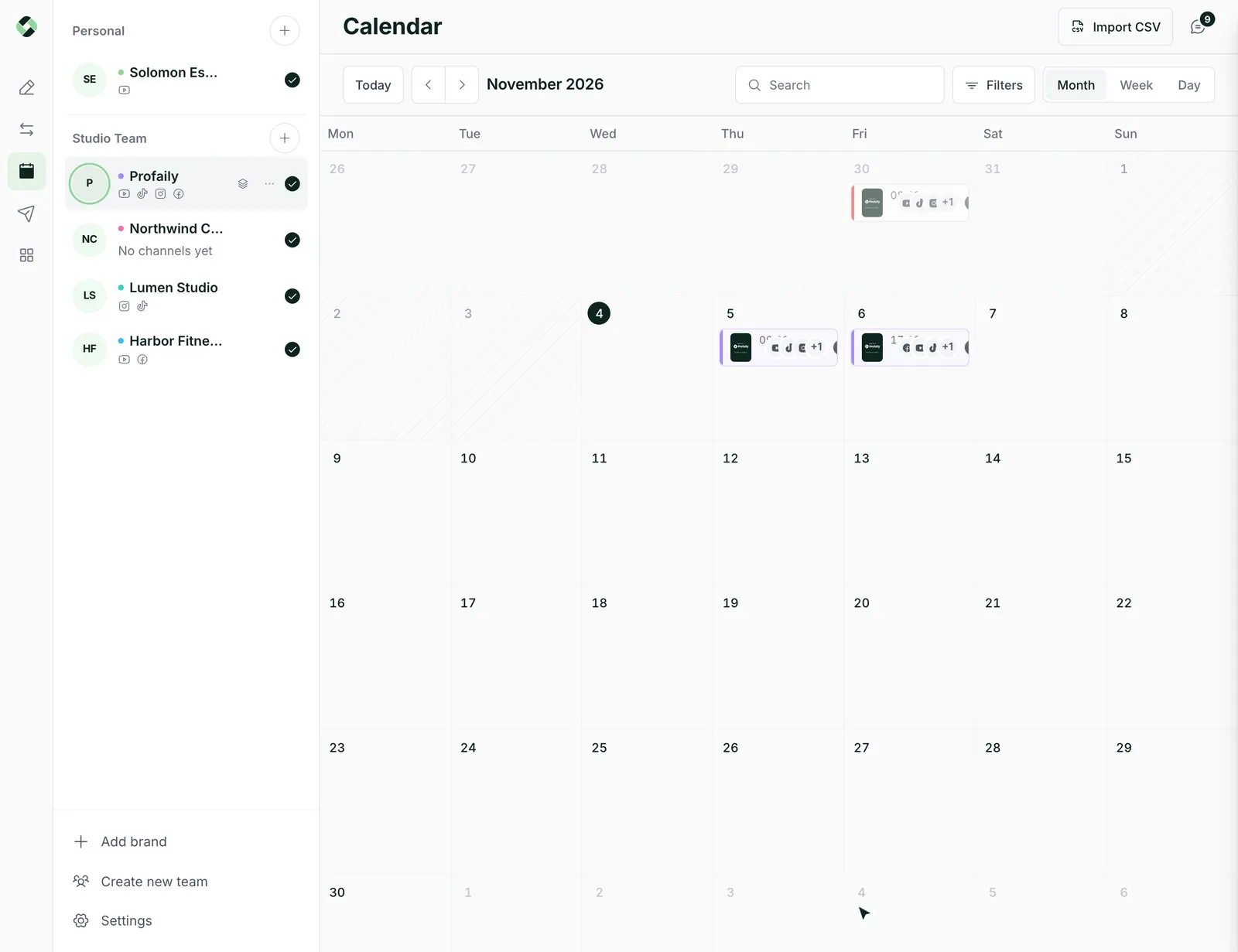
See what is scheduled, in review and posted, next to your TikTok, Instagram and YouTube videos. Move a video by dragging it to a new day.

  • Status for every post, updated as it changes
  • A link to the live post once it publishes
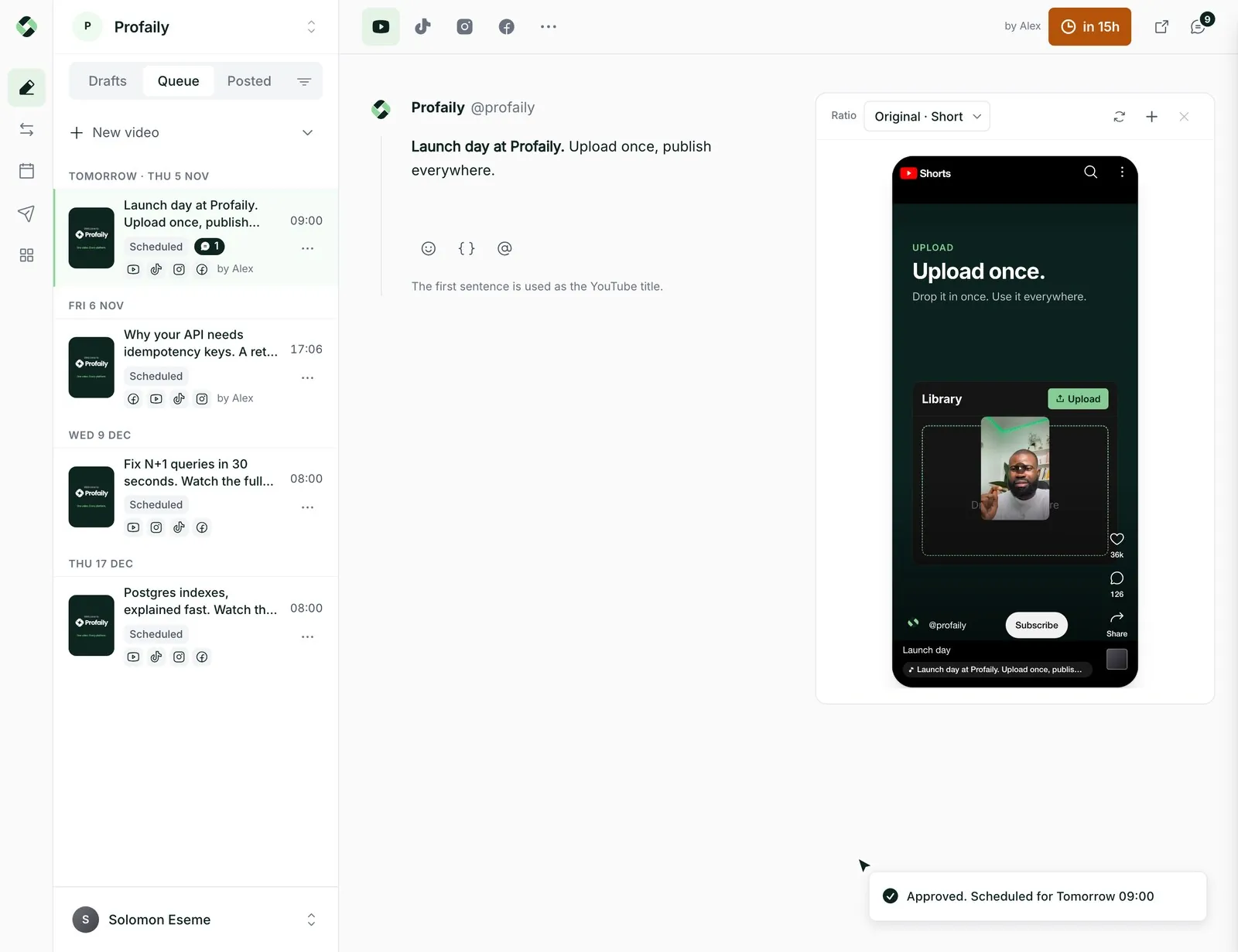
Profaily calendar with the Launch day video scheduled for tomorrow at 09:00

Why teams use Profaily for Facebook

Made for Facebook Pages

Connect a Page you manage and prepare video and Reels posts for that destination, each with its own title, description and schedule.

The same video on more channels

Send one upload to Facebook, TikTok, Instagram Reels and YouTube Shorts, with a caption written for each.

A queue you do not have to babysit

Set your posting times once. New videos drop into the next open slot, and you can ask for a time in plain words, like “next Tuesday 6pm”.

Plan it from ChatGPT or Claude

Ask your assistant to draft, send for review and schedule Facebook videos through Profaily’s MCP server. Your approval rules still apply.

Facebook at a glance

Limits come from Facebook and are checked in Profaily before a post is sent. Publishing needs a Page with the required role and the permissions your connection allows.

Description
Up to 63,206 characters
File size
Up to 10 GB
Destination
A Facebook Page you manage
Preview
Facebook player, in the composer
Review
Send for approval before it is scheduled

Facebook questions

Something else? Email support@useprofaily.com.

How do I schedule a Facebook video with Profaily?

Connect your Facebook Page, upload a video, write the title and description, then pick a time or the next open slot and press Schedule.

Can Profaily publish to a personal Facebook profile?

The publishing workflow is designed for Facebook Pages with the required Page permissions.

Can one video be used on Facebook and other channels?

Yes. Profaily can create separate destination posts from one source video, with Facebook details managed independently.

Will every Facebook video appear as a Reel?

The final surface is determined by Facebook and can depend on the video and platform behavior; Profaily does not promise a particular surface for every upload.

Can my team approve Facebook videos before they go out?

Yes. An editor sends the video for review, and a producer approves it or asks for changes. Nothing is scheduled until it is approved.

Can I plan Facebook videos from ChatGPT or Claude?

Yes. Connect your assistant to Profaily over MCP and ask it to draft, send for review and schedule Facebook videos. A producer still has to approve them.

Discover Profaily

Run video marketing from one place

Plan and publish across TikTok, Instagram, YouTube and Facebook. Keep each channel’s details in view, then follow every video from one workspace.

Businesses using Profaily