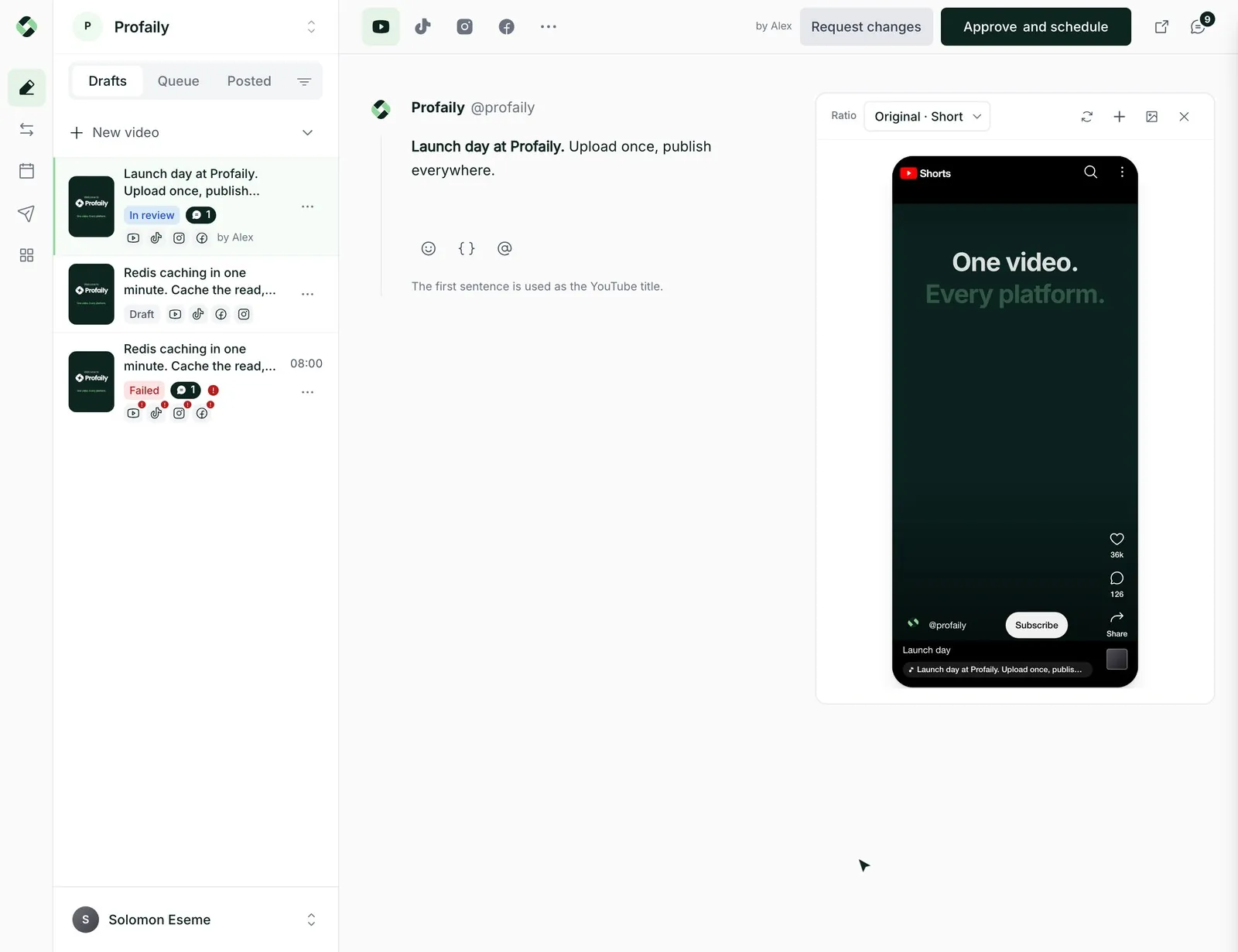
One upload, multiple channels
Send the same video to TikTok, Instagram Reels, YouTube and Facebook without exporting it four times.
 LoginSign up
Post every day without living in multiple channels
Upload a video once. Profaily posts it to TikTok, Instagram Reels, YouTube and Facebook, each with its own caption, on a schedule you set once.
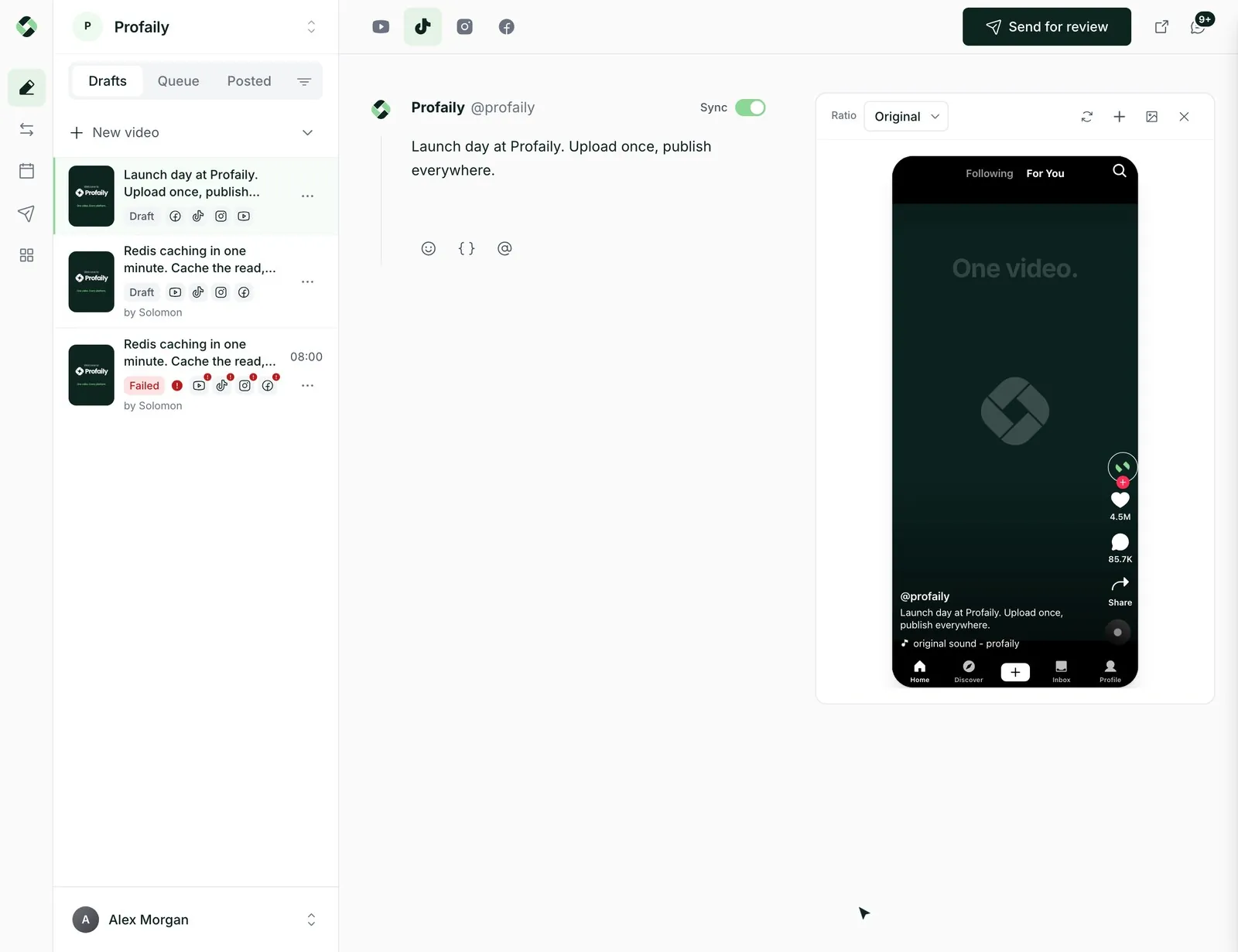
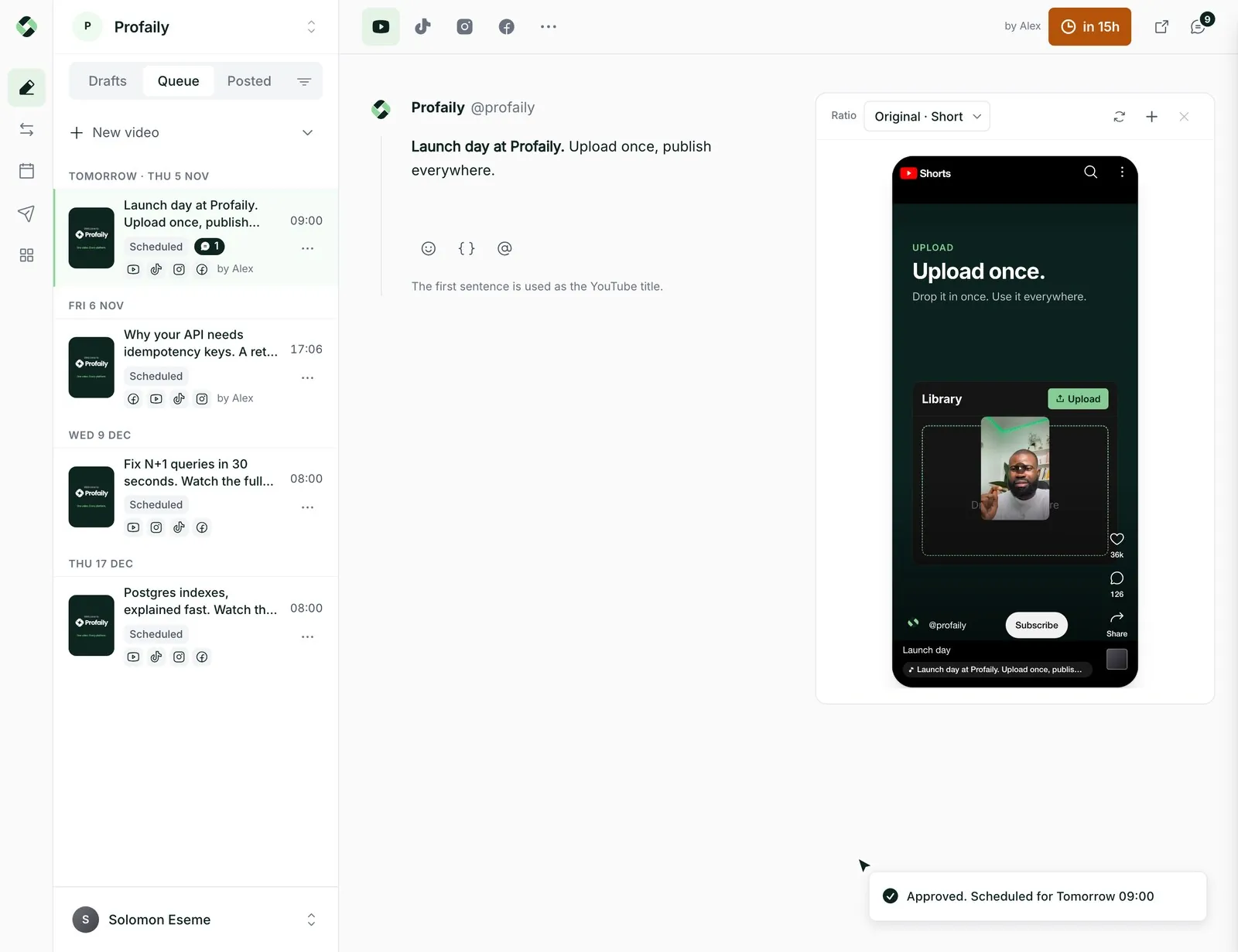
Send the same video to TikTok, Instagram Reels, YouTube and Facebook without exporting it four times.
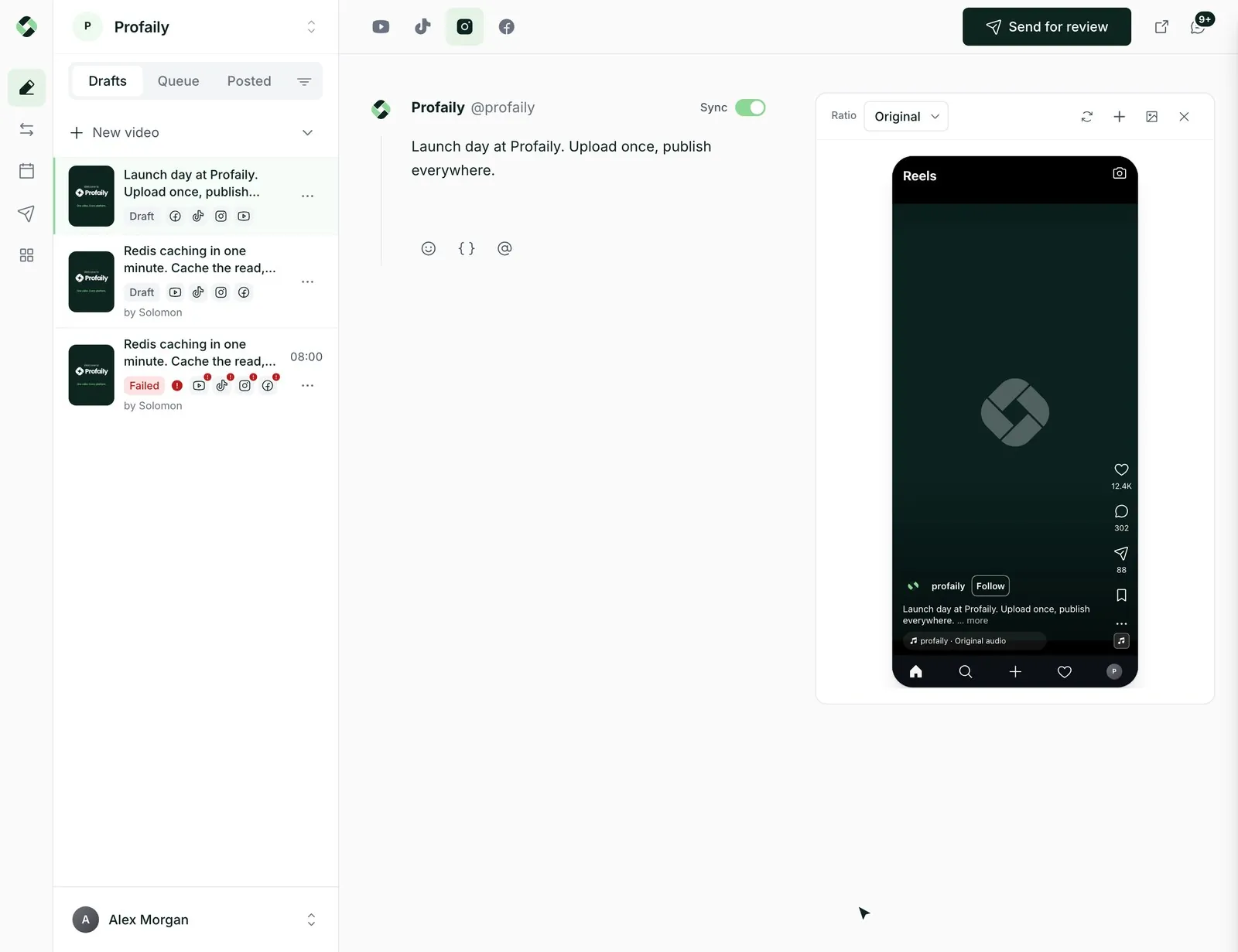
Each channel gets its own caption and its own player preview, so nothing surprises you after it goes live.
Set your posting times once. New videos drop into the next open slot, or say “next Tuesday 6pm”.
Ask your assistant to draft and schedule videos for you. You still see what goes out and when.
One caption to start, then change it for any channel without touching the others. A shorter one for TikTok, a title for YouTube.
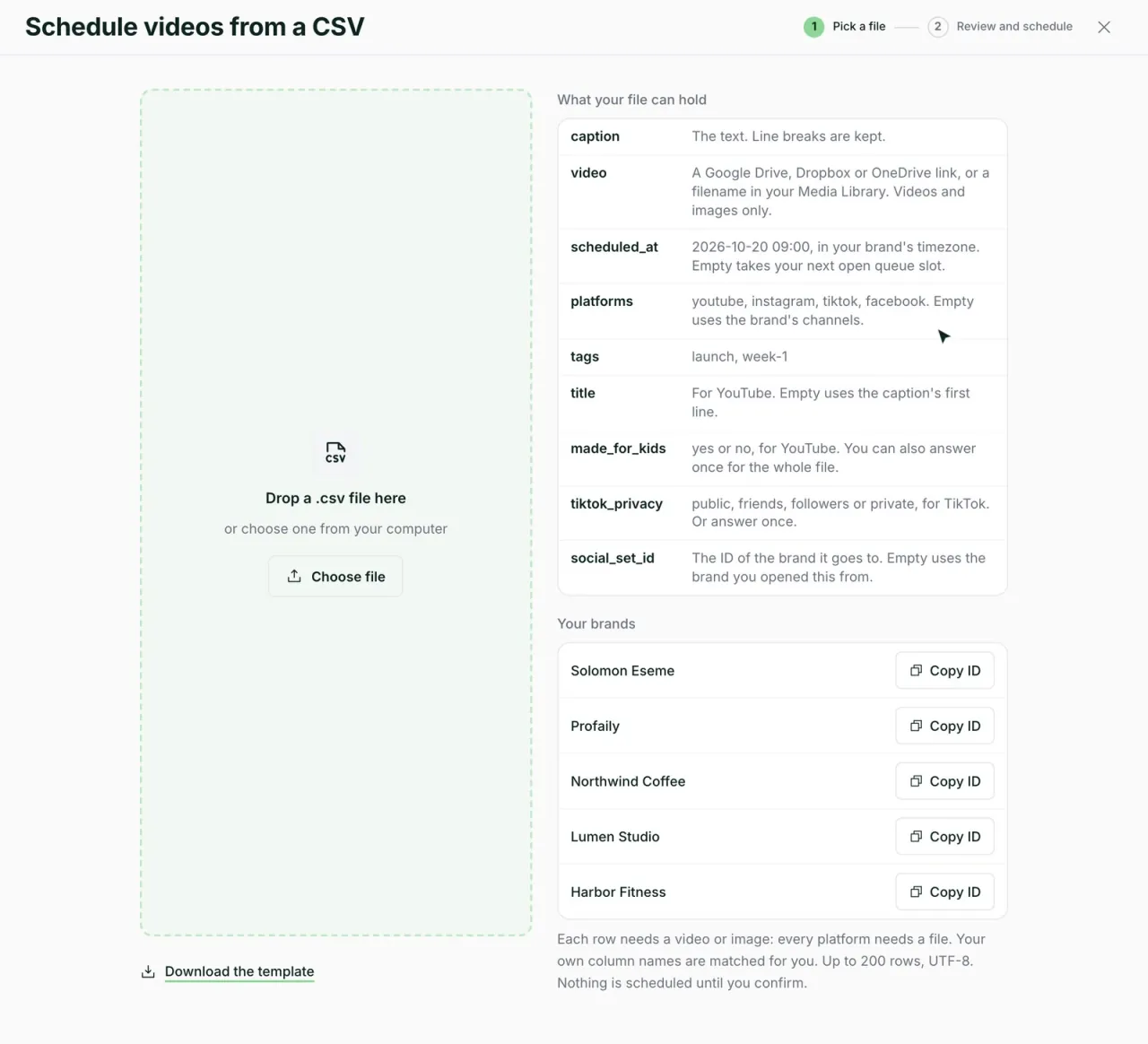
Paste links from Google Drive, Dropbox or OneDrive, or upload a spreadsheet with a caption and a time for each video.
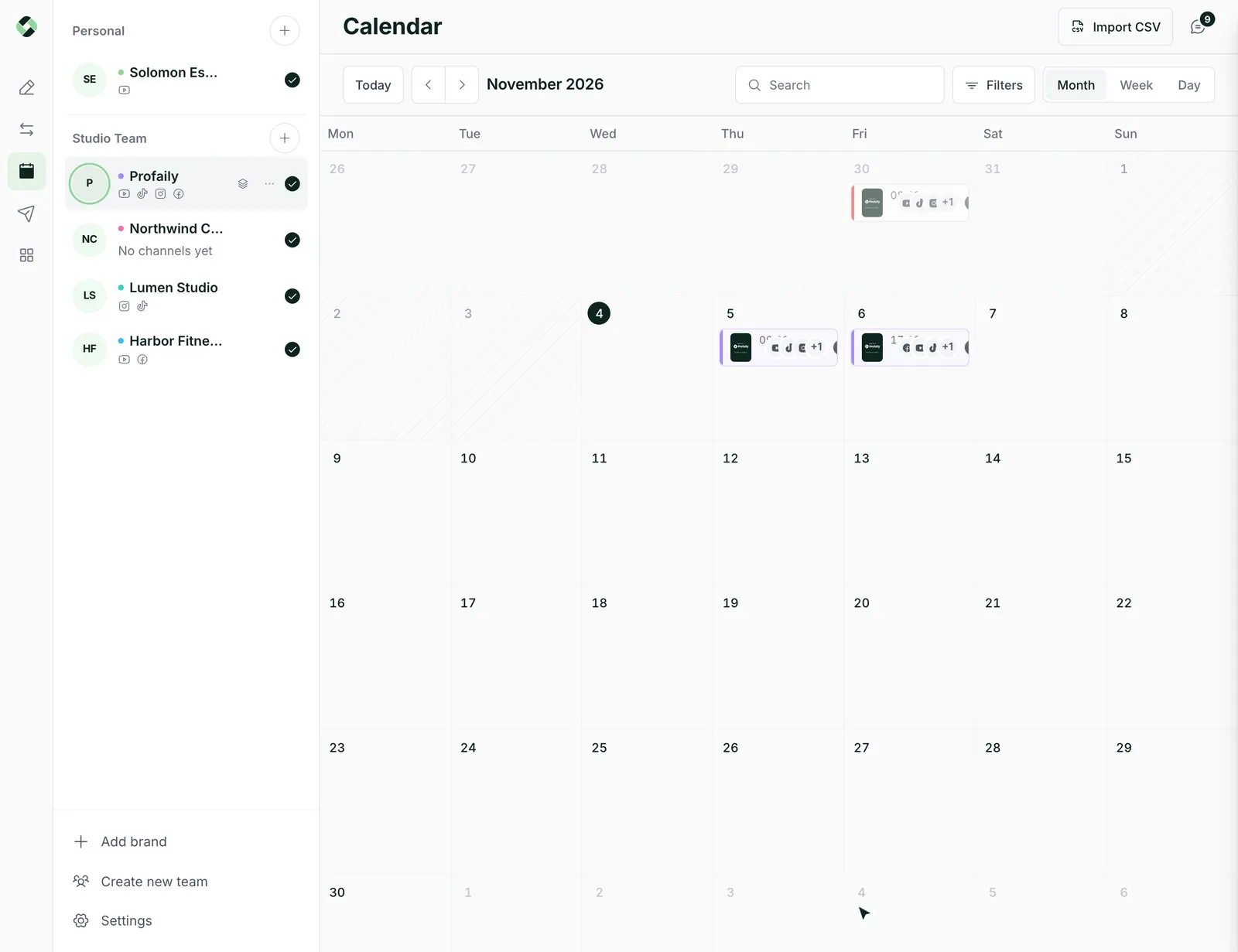
Your posting slots fill with the next video you add. The calendar shows the week and the month, and dragging a video moves it.
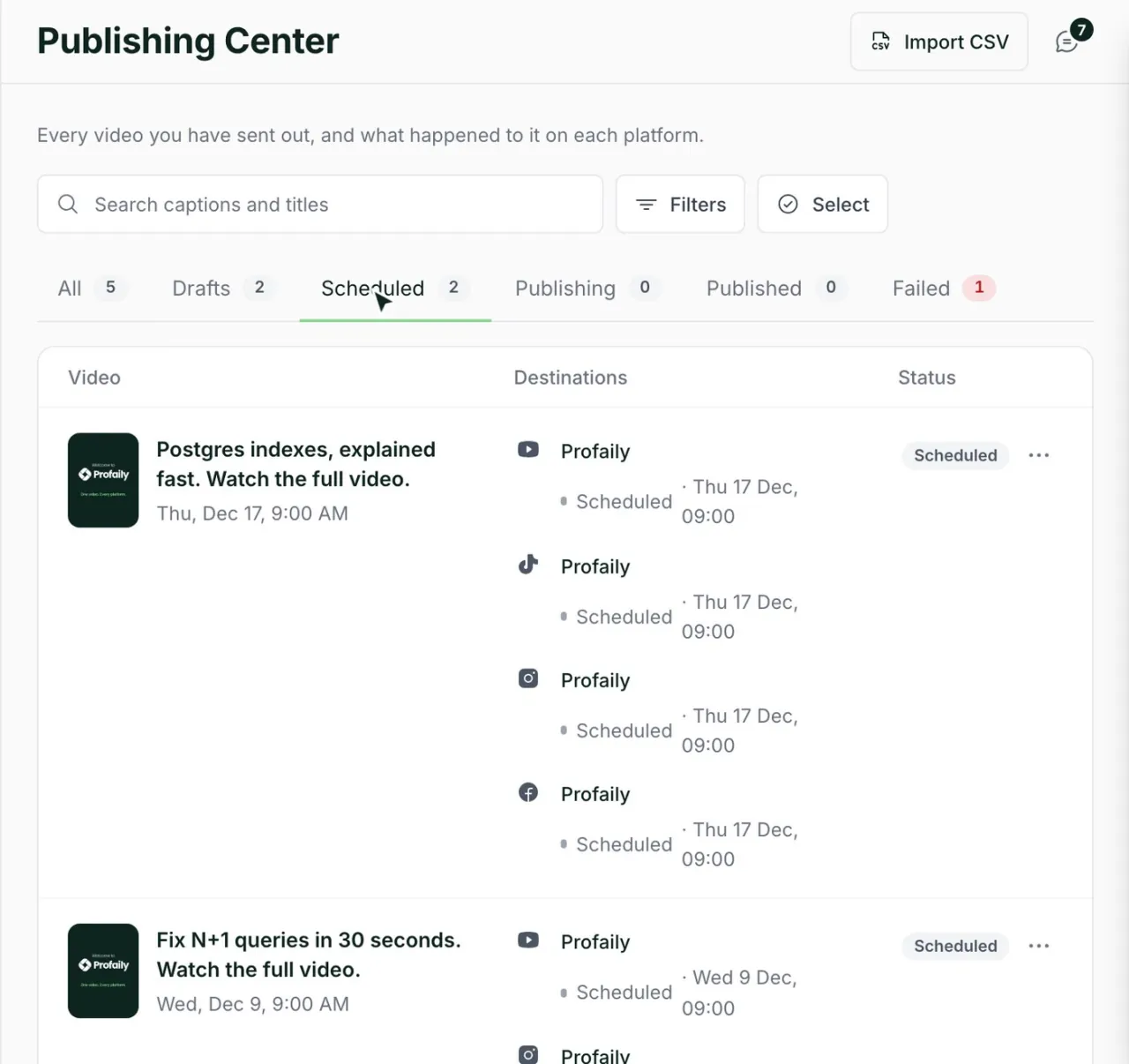
The Publishing Center lists every video and where it stands on each channel, with a link to the live post.
Something else? Email support@useprofaily.com.
The Creator plan is $15 a month, or $12 a month billed yearly. It includes one brand, multiple connected channels and a monthly allowance of AI app calls.
TikTok, Instagram Reels, YouTube (Shorts and longer videos) and Facebook Pages. We go deep on these four instead of shallow on twenty.
No. It posts the file you upload. The previews show how each channel will frame it, and anything a channel won’t accept is flagged before it is scheduled.
Yes. Profaily installs to your home screen and can alert you when a video posts or needs you.
The others still post. You see which one stopped and why, fix what it needs, and retry only that one.
Discover  Profaily
Upload once, see it in every player, and let the schedule do the rest.