Choose your plan
Try it for free for 14 days
Creator
For creators that are serious about distributing videos.
- Distribute to TikTok, Instagram, YouTube and Facebook
- Calendar & scheduling
- AI apps (MCP)
- Remove the #profaily tag
Business
For modern businesses and agencies that review before distributing.
- Everything in Creator +
- Teams and roles
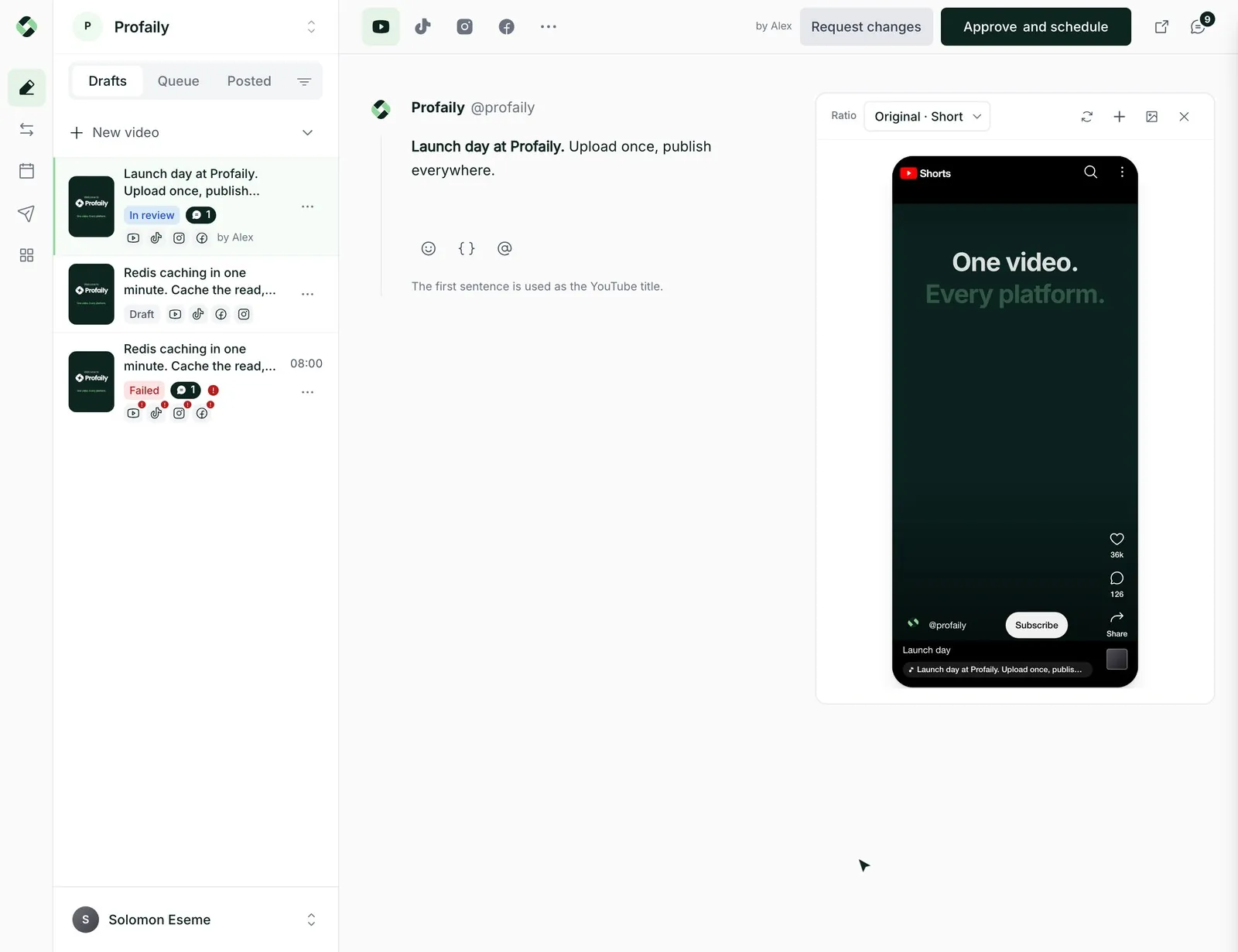
- Approvals before distributing
- Choose which brands each team member sees
Cancel anytime from Settings → Billing.
Compare plans and features
Both plans distribute to TikTok, Instagram, YouTube and Facebook. Business adds brands, team members and approvals.
| Feature | Creator Choose Creator | Business Try free for 14 days |
|---|---|---|
| Scheduling | ||
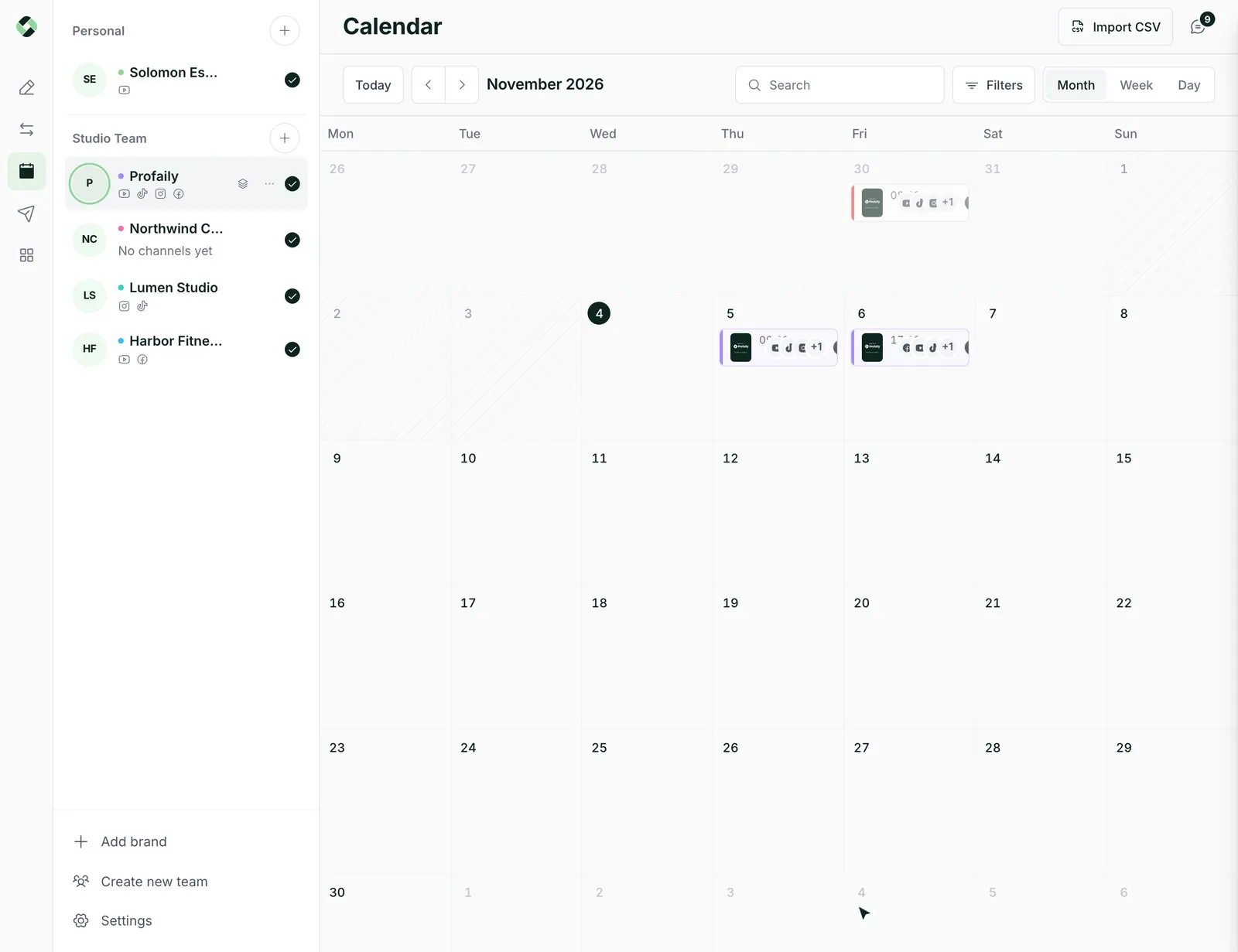
| CalendarSee everything scheduled by month, week or day, across your brands. | Included | Included |
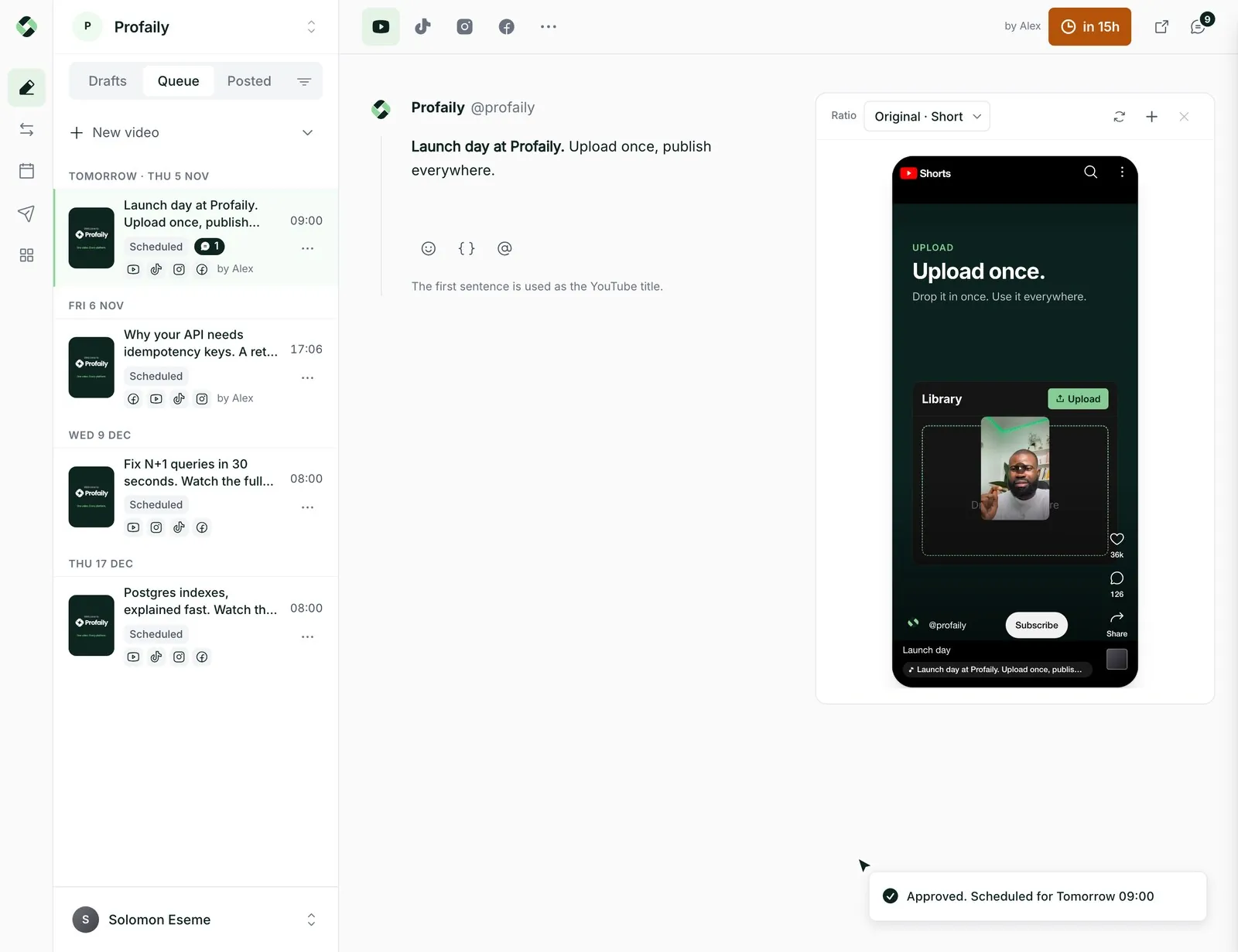
| SchedulingPick a time, type it in plain words, or take the next free queue slot. | Included | Included |
| Queue slotsSet a weekly rhythm and videos fill the next free slot. | Included | Included |
| Drafts and tagsKeep videos as drafts and label them with tags until they are ready. | Included | Included |
| Import videosBring in many videos at once from Drive, OneDrive, Dropbox or a CSV file. | Included | Included |
| Channels | ||
| TikTokSchedule and publish your videos to TikTok, with TikTok’s own caption and privacy settings. | Included | Included |
| InstagramSchedule and publish your videos to Instagram Reels, with a caption of their own. | Included | Included |
| YouTubeSchedule and publish Shorts to YouTube, with the title YouTube needs. | Included | Included |
| FacebookSchedule and publish Reels to a Facebook Page, or send a text-only post. | Included | Included |
| Videos and captions | ||
| A caption per channelWrite one caption, then change it for any channel without touching the others. | Included | Included |
| Titles and variablesAdd the title YouTube needs, and variables whose value differs per channel. | Included | Included |
| Images as well as videosDistribute images too, as a carousel or one per file. | Included | Included |
| Text-only to FacebookSend text with no file to a Facebook Page. | Included | Included |
| Limits | ||
| BrandsA brand holds the channels, schedule and history of one business or client. | 1 | 3 |
| Connected channelsThe accounts you can connect across all your brands. | 4 | 12 |
| Team membersEveryone who can work in your team, counting invites. | 1 | 5 |
| AI app calls per monthEach action Claude or ChatGPT takes for you, like drafting or scheduling a video, counts as one call. | 500 | 10,000 |
| Collaboration | ||
| Shared teamInvite people to work in the same videos, each with a role. | Not included | Included |
| RolesDecide who can view, edit, schedule or manage. | Not included | Included |
| Approvals before distributingAn editor sends a video for review before it goes out. A producer approves it or asks for changes. | Not included | Included |
| Choose which brands each team member seesGive each team member access to only some brands. | Not included | Included |
| AI apps | ||
| AI apps (MCP)Connect Claude or ChatGPT to plan and schedule for you. | Included | Included |
| Plan whole campaignsAsk an AI app to lay out and schedule a full campaign. | Included | Included |
| Branding | ||
| Remove the #profaily tagTurn off the #profaily tag added to the end of your videos. | Included | Included |
Prices shown are monthly; yearly prices are in the plan cards above. The 14-day free trial is on Business.
Businesses using Profaily

 ApplyScout
 Mastering Backend

Pricing questions
Something else? Email support@useprofaily.com or see contact.
How does the free trial work?
Business comes with a 14-day free trial. A card is required to start it, and you are not charged until the trial ends, so cancel before then if it is not for you. Creator has no trial.
Which currency will I pay in?
Customers billed in Nigeria pay in naira (NGN) through Paystack. Everyone else pays in US dollars (USD).
How much do I save by paying yearly?
Paying yearly saves 20% compared with paying monthly for twelve months.
Can I switch plans later?
Yes. Move between Creator and Business, or between monthly and yearly billing, from Settings → Billing. You can also cancel there at any time.
What is a brand?
A brand is one business or client with its own channels, schedule and history. Creator includes one brand; Business includes three, so an agency or business can keep separate brands apart.
What is an AI call?
Profaily works with AI apps such as Claude and ChatGPT through MCP. Each action one of those apps asks Profaily to take, like drafting or scheduling a video, counts as one call against your monthly allowance.
What happens if a payment fails?
You get 7 days of grace to update your payment method with everything still working. After that your workspace becomes read-only until payment goes through.
Discover  Profaily
Try Business free for 14 days
Connect your channels, schedule a week of videos, and invite your team before you pay.