Works where you already work
Connect Profaily once to ChatGPT or Claude, or any assistant that speaks MCP.
 LoginSign up
Run your video schedule from a conversation
Tell ChatGPT or Claude what you want to post. Profaily drafts it, sends it for approval and puts it on the calendar, with a preview before anything is scheduled.
Connect Profaily once to ChatGPT or Claude, or any assistant that speaks MCP.
Scheduling shows what would go out and when. Nothing is committed until you say yes.
If your team approves videos, your assistant can draft and send for review, and a producer approves.
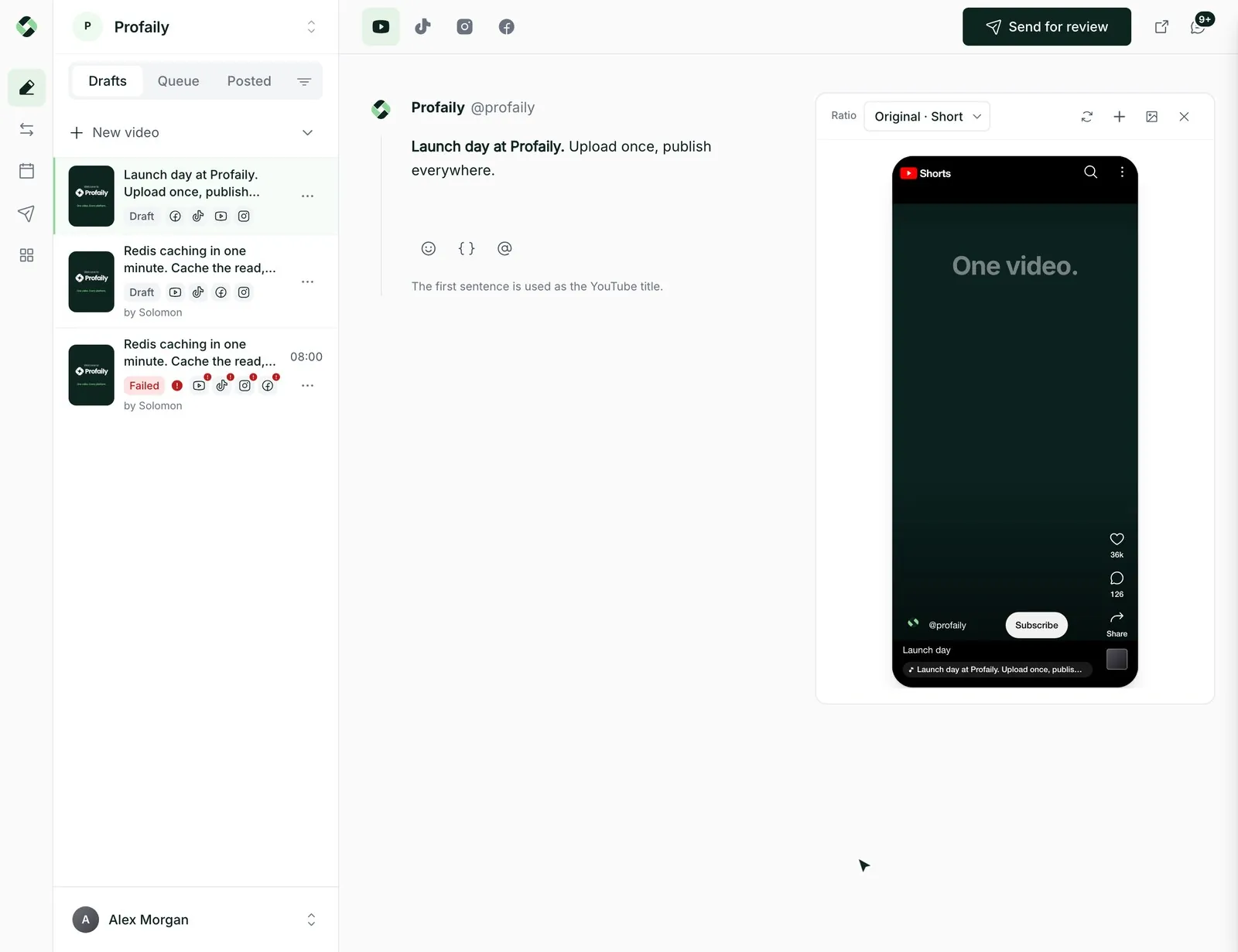
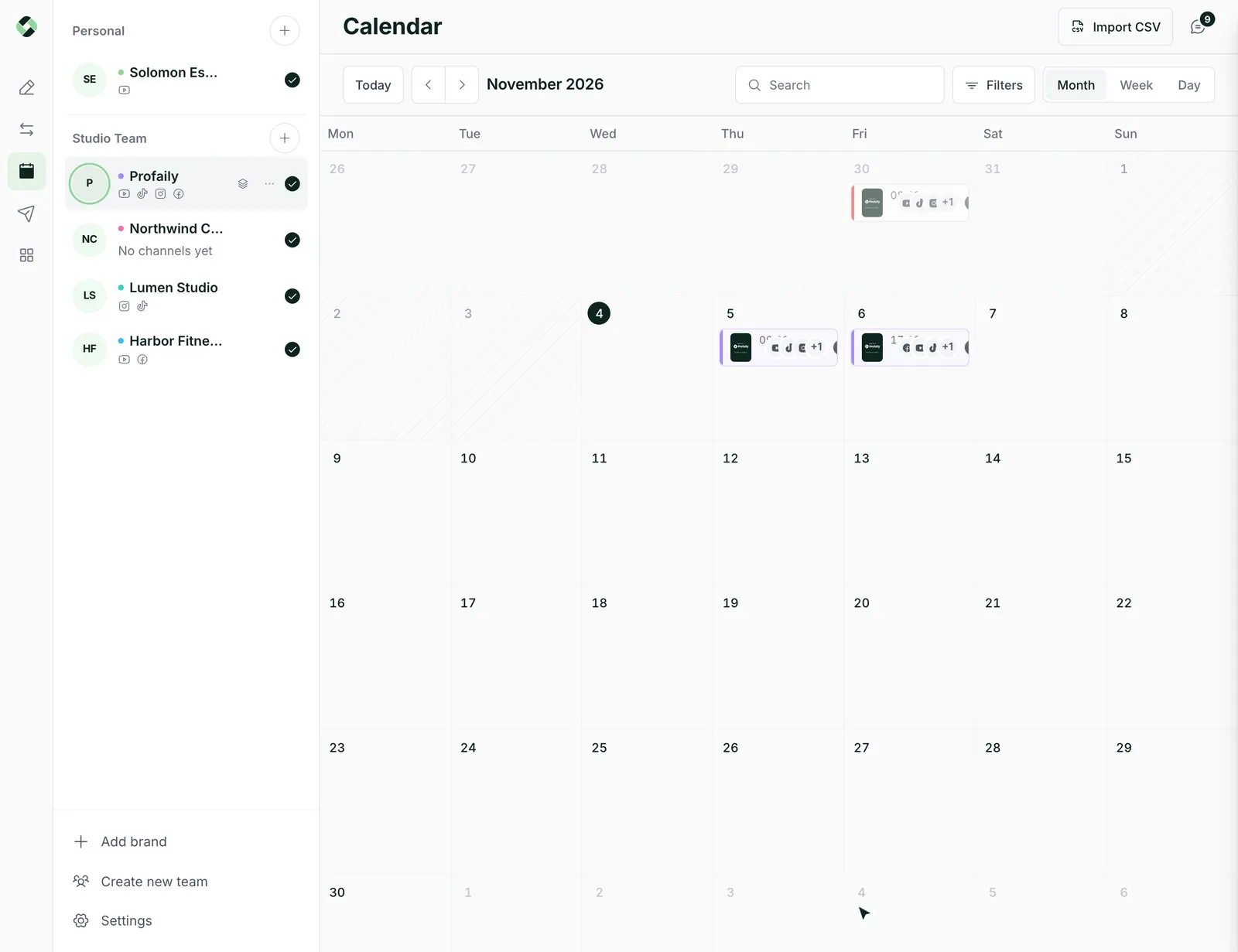
Whatever your assistant schedules appears in the calendar your team already works from.
“Schedule the Launch day video for tomorrow at 9 on every channel.” Your assistant finds the video, checks every channel and writes the caption.
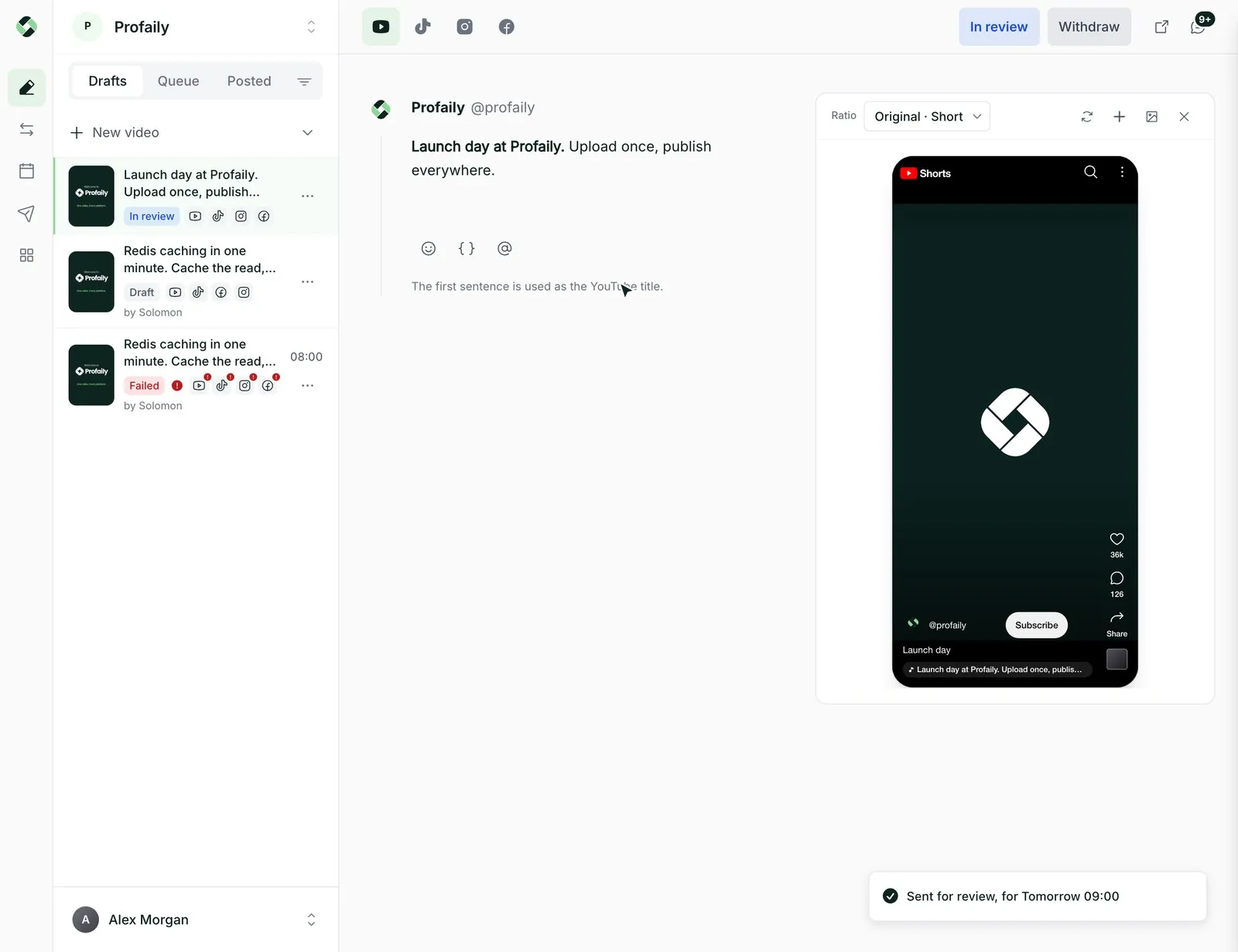
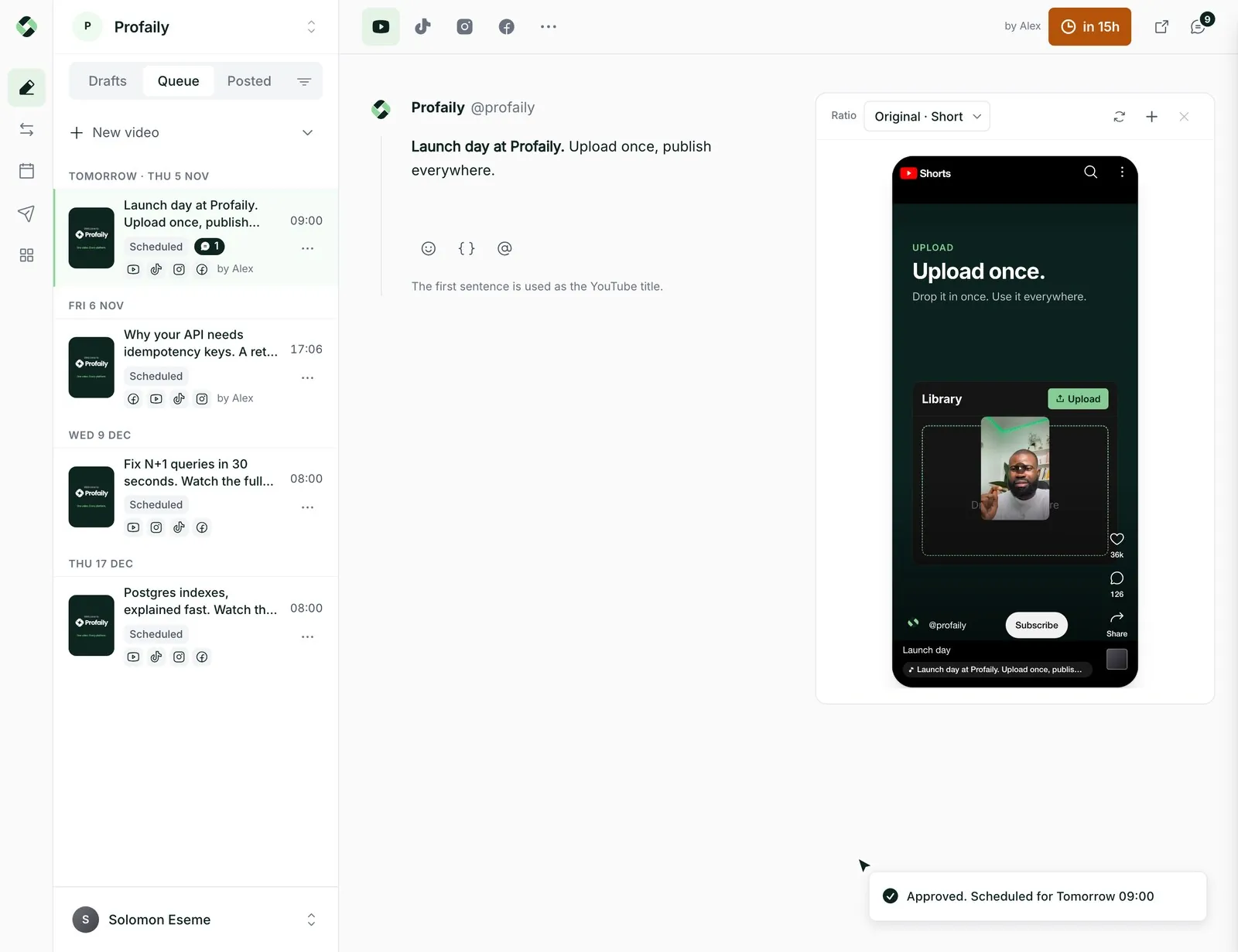
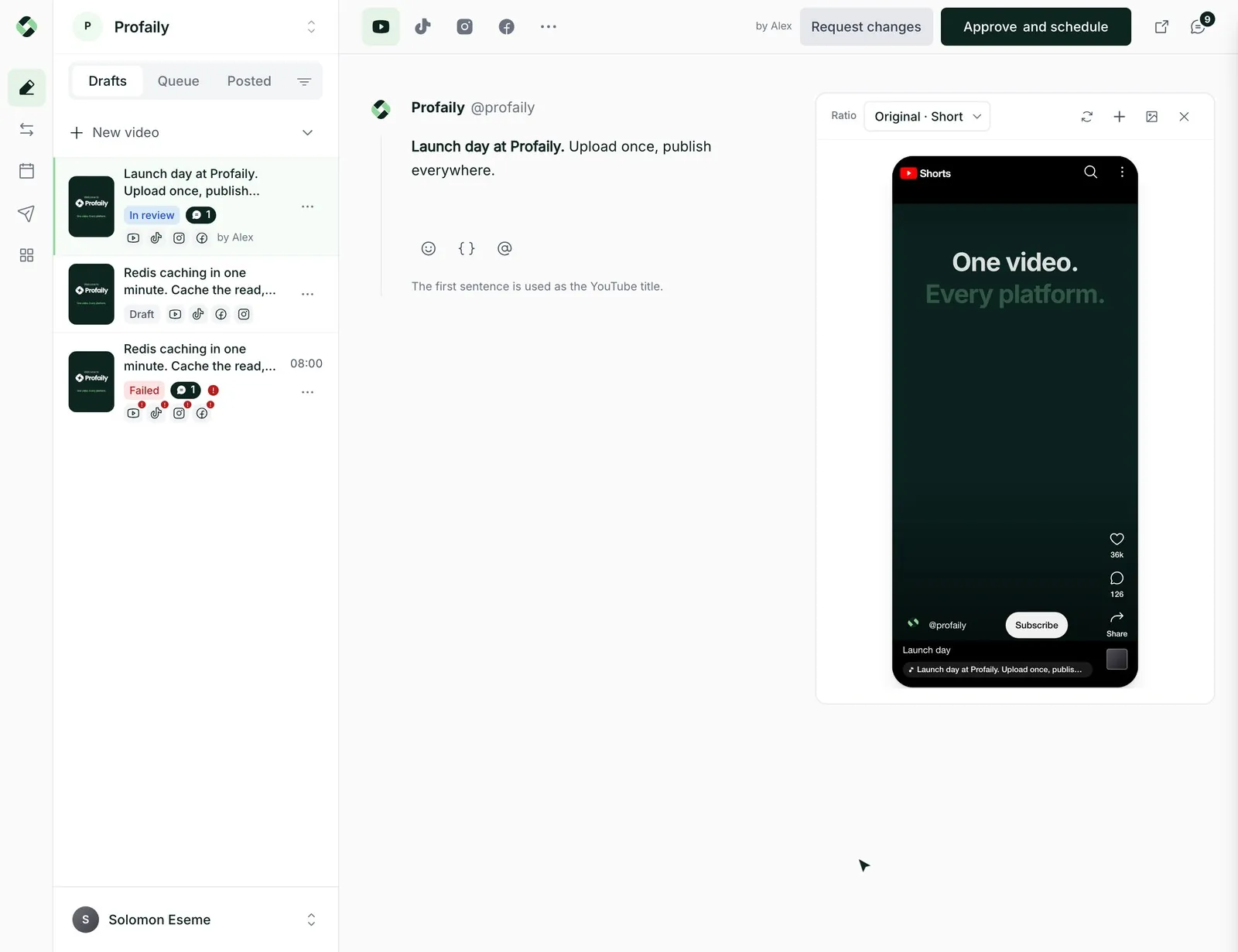
A walkthrough. In ChatGPT, someone asks for the Launch day video to go out tomorrow at 9am on every channel. ChatGPT drafts it in Profaily through the MCP server and sends it to the producer for review. The producer approves it in the Profaily dashboard, and the video appears on the calendar for tomorrow at 09:00.
Profaily shows the exact time and every destination first. Your assistant shows it to you, and only a confirmed call schedules the video.
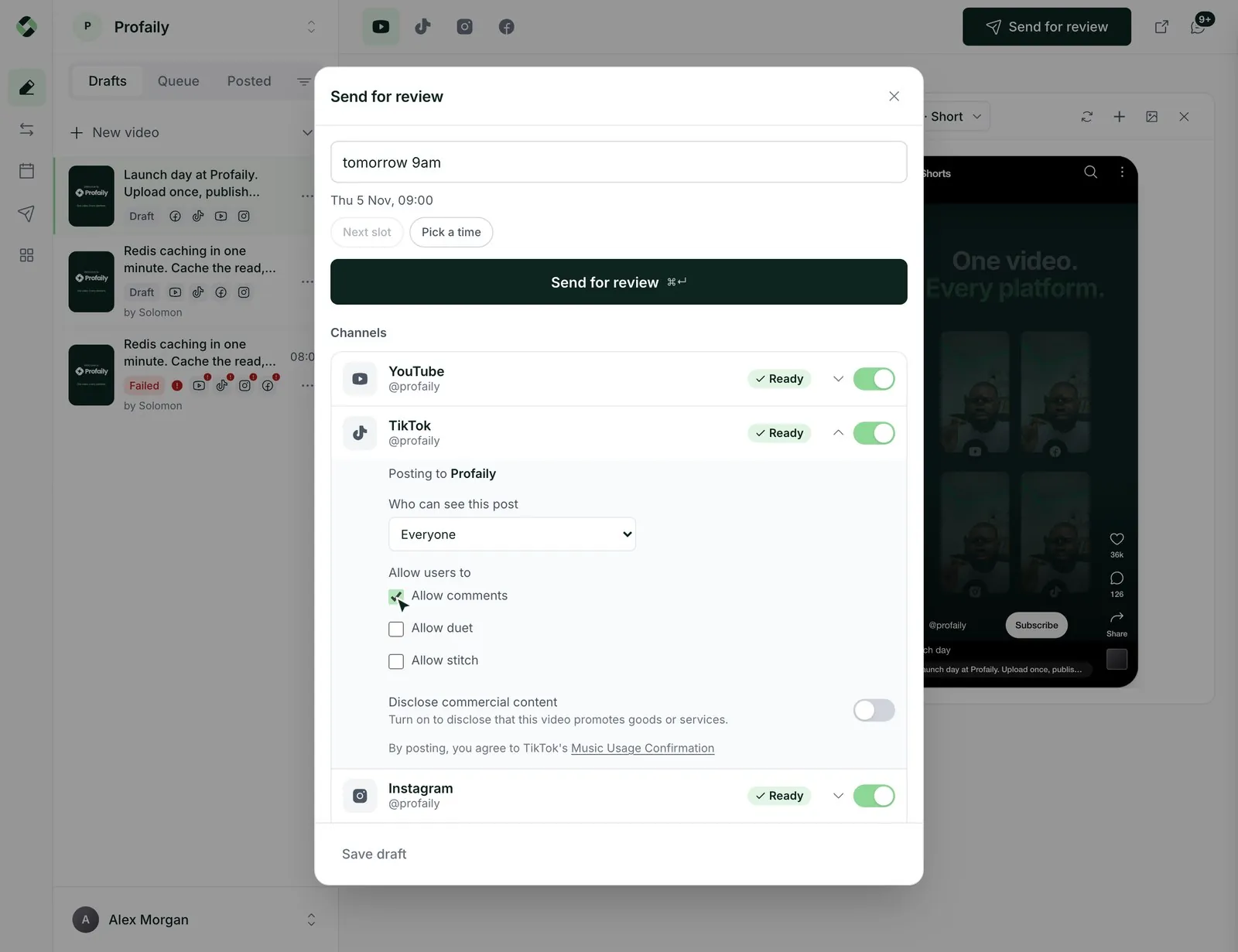
On a team plan, the assistant sends the video to your producer. They approve it in Profaily, or ask their own assistant to.
“What’s going out this week?” “Did Launch day post?” Your assistant reads the calendar and the status of each channel.
Something else? Email support@useprofaily.com.
ChatGPT and Claude, and any other assistant that supports MCP with OAuth sign-in.
Add Profaily as a connector in your assistant, sign in to Profaily when asked, and approve the permissions it requests.
Scheduling shows a preview first and needs a confirmed second step. On teams with approvals it can only send a video for review.
Every plan includes a monthly allowance of AI app calls. The Creator plan includes 500 a month.
It can use videos already in your library, import from a Drive, Dropbox or OneDrive link, or upload a file through a signed link.
Discover  Profaily
Connect your assistant and schedule your first video from a conversation.